
Inventory & Provisions
What's aboard, where it's stowed, and when to order more — spares, consumables, and galley stock on one list the whole crew can read.
“We Have One Somewhere” Is Not a Stock System
The Part Is Aboard. Nobody Can Find It.
This is the failure every yacht manager knows by heart: a part is needed, the stock list says it's on board, and the part is nowhere to be found. Behind it sit dozens of stowage spots, several crew each owning a different corner of the boat, and stock that drifts because nothing gets logged when it's used. So a replacement gets ordered — sometimes twice, because the same item is written down three different ways — and the original turns up in a locker in October. YACHTWAVE® yacht management software makes the list something you can act on: every item named once, stowed somewhere specific, counted against what you're supposed to carry, and carrying the part number you need to buy the right one.
Know What's Aboard — and Exactly Where It Lives
A stock list only earns its keep if a crew member who has never opened that locker can still walk to the right one. Every item gets a name, a place, a picture — and a count that anyone aboard can put right with a thumb.
Inventory Management
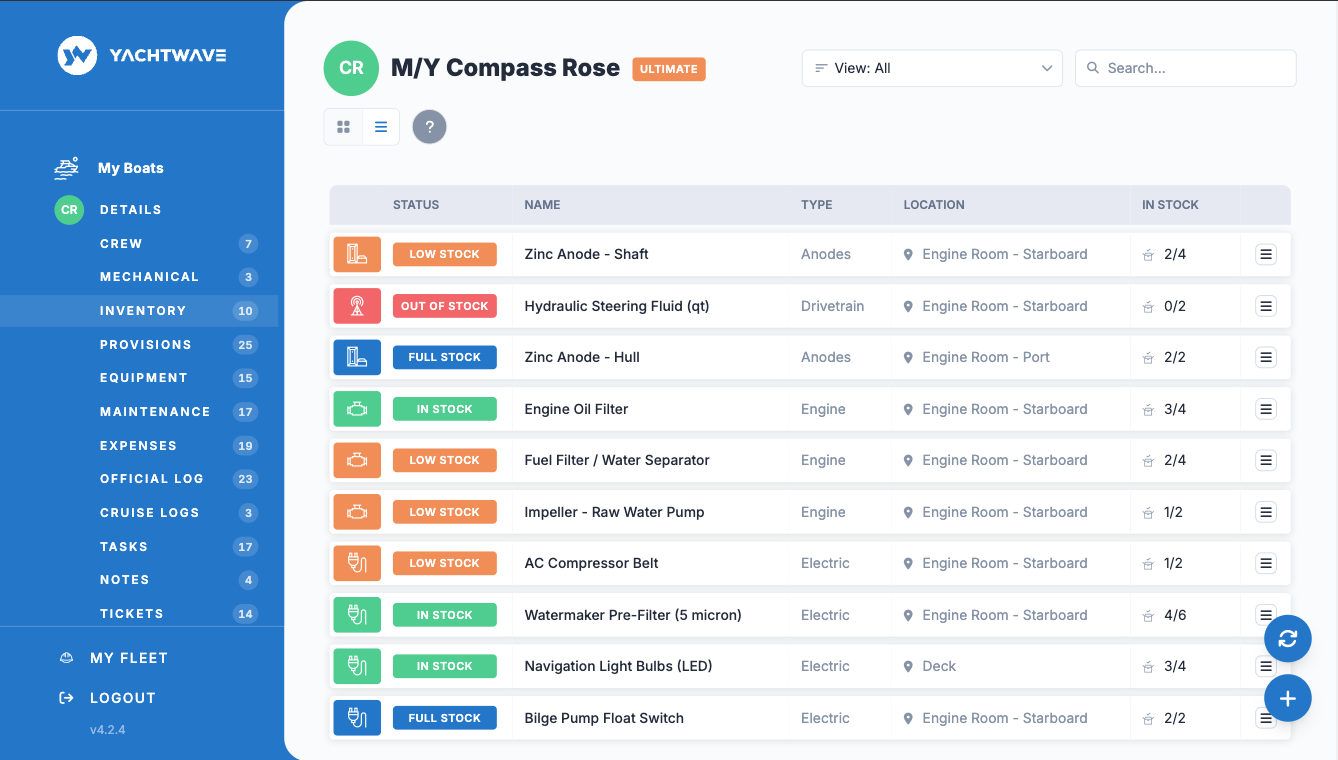
Spares and consumables: what's aboard, where it's stowed, with photos and documents attached. Impellers, filters, belts, zincs, fluids, safety gear — the things whose absence stops a weekend.
Storage Locations
Map every item to the locker, bilge, or lazarette where it actually lives, so anyone can find it without calling the captain. The stowage plan stops living in one person's head.
A Photo of the Actual Part
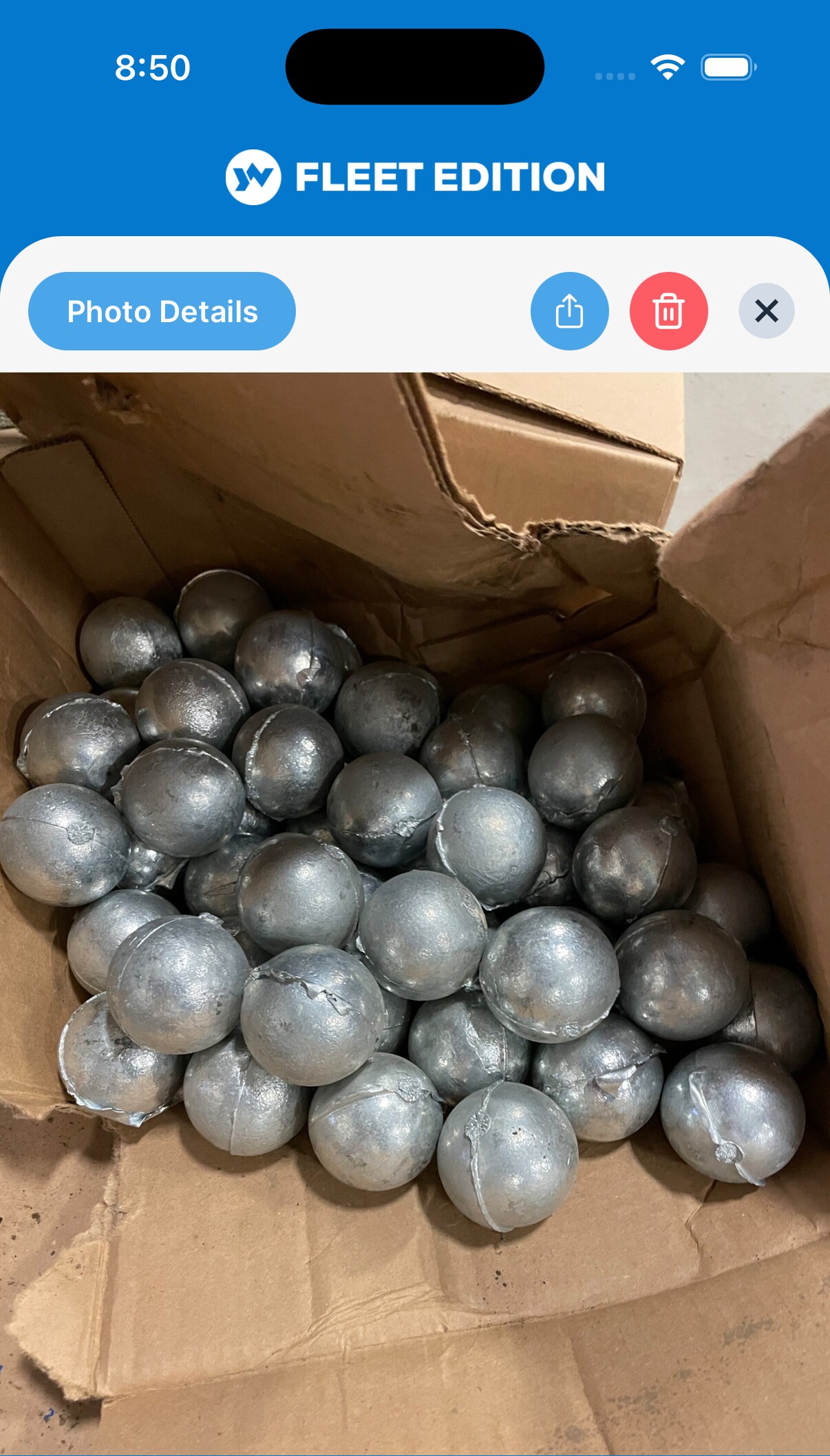
Attach a photo and the packaging label to the item. “The blue one, second shelf” beats a part description every time when somebody is looking at a locker full of boxes.
Search, Filters & Views
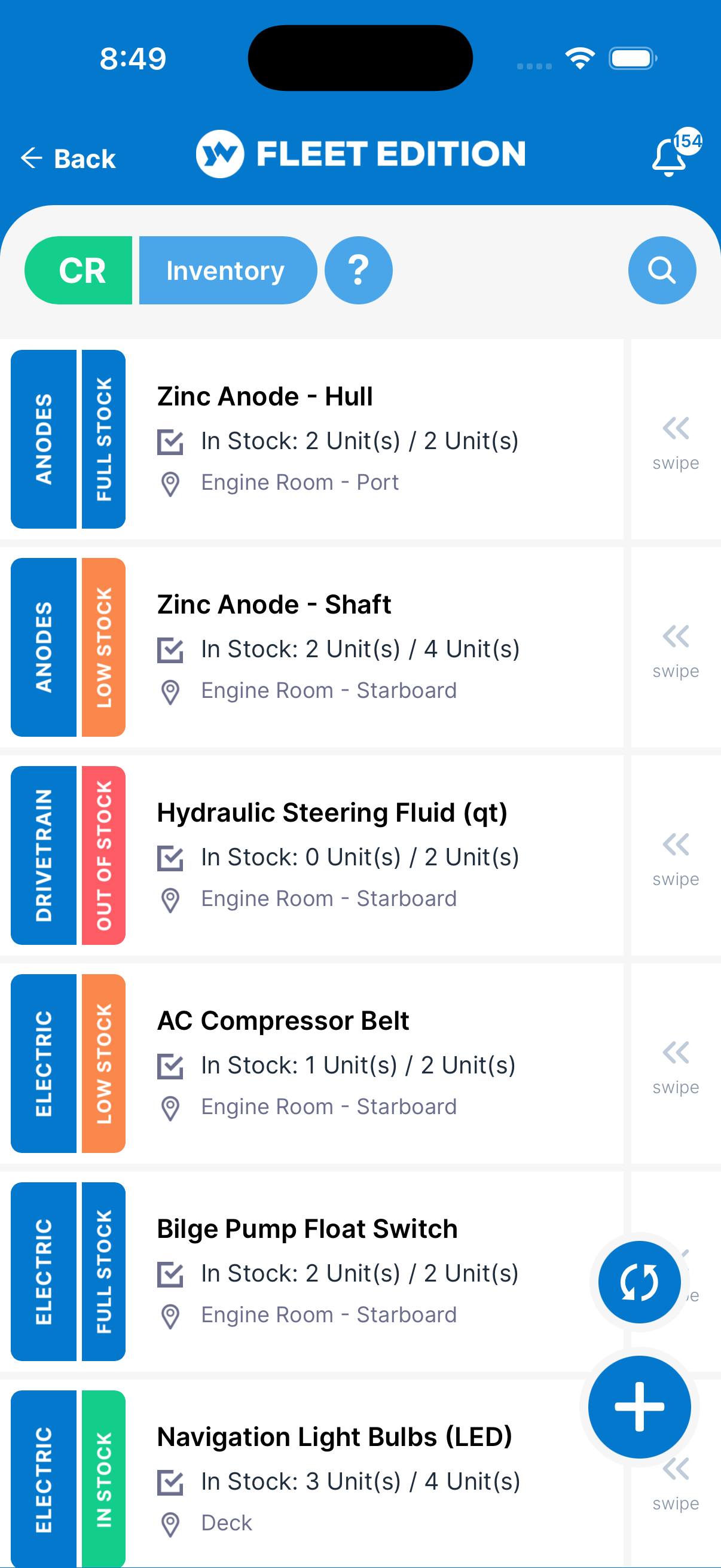
Filter by category, by location, or by what's actually in stock, and search across the lot — as tiles or as a dense table, whichever suits the job you're doing.
Adjust the Count With One Thumb
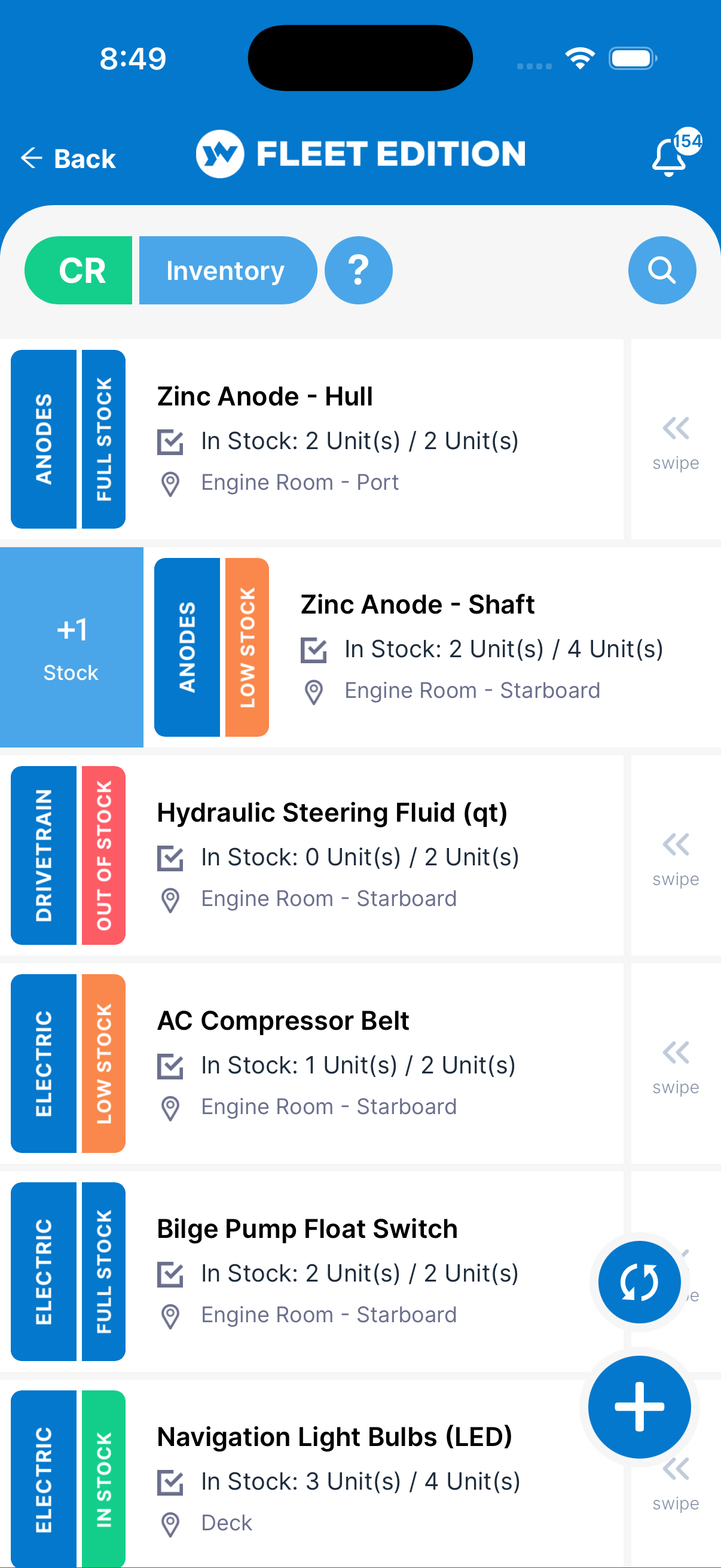
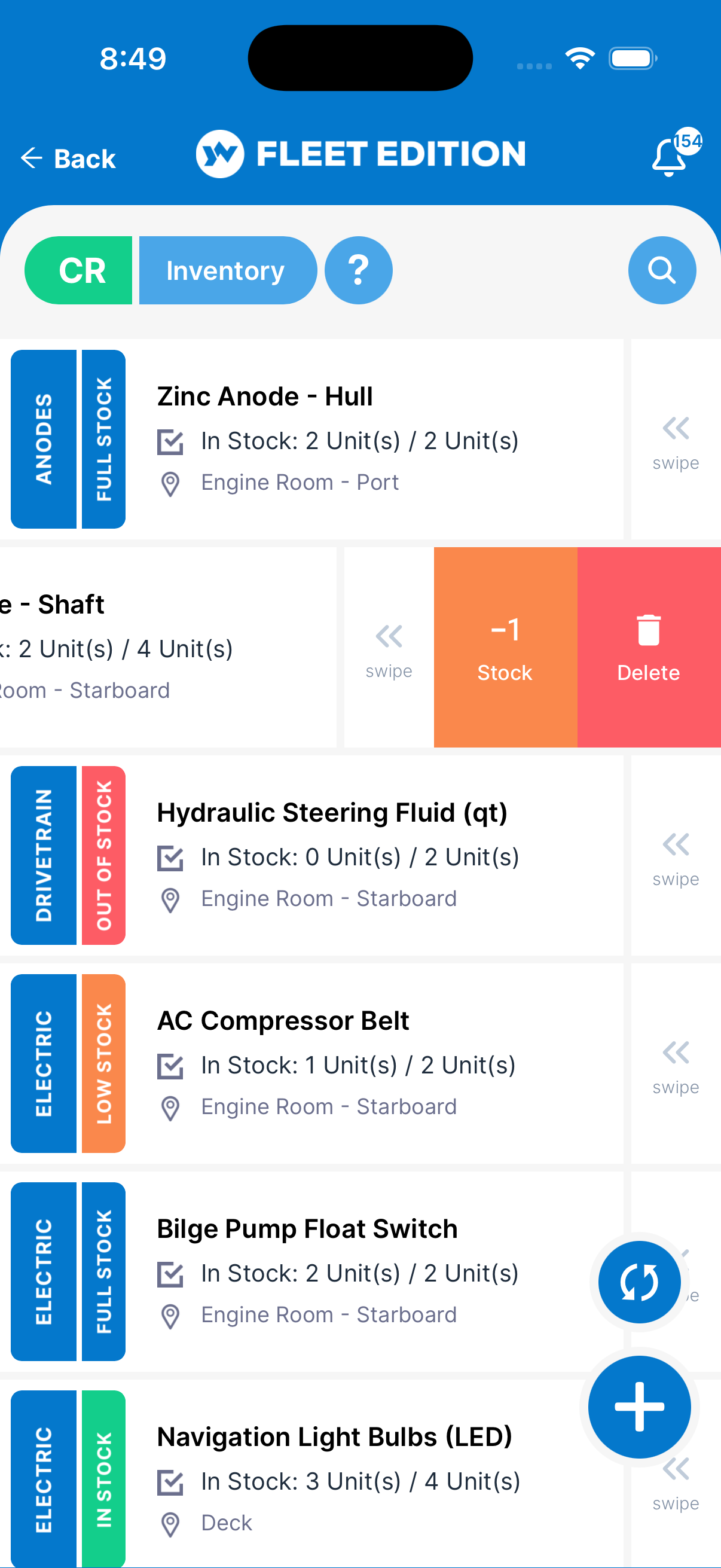
Stock lists go stale for one reason: taking something off the shelf is quick and writing it down is not. Swipe the item right to add one, left to take one off — standing at the locker, with the box still in your hand. No form to open, no laptop, no note to update the list when you get back aboard. The count stays right because keeping it right costs nothing.
One Swipe From the Reorder List
Because the count is what drives everything else, the swipe that takes the last spare off the shelf is the same swipe that turns the item orange and puts it on the list to buy. Nobody has to remember to flag it — using it is the flag.
Order the Right One, Once
Most inventory pain isn't counting — it's buying. The wrong part number means a wasted shipment and a second round of customs; no reorder point means finding out mid-charter.
Low-Stock Alerts
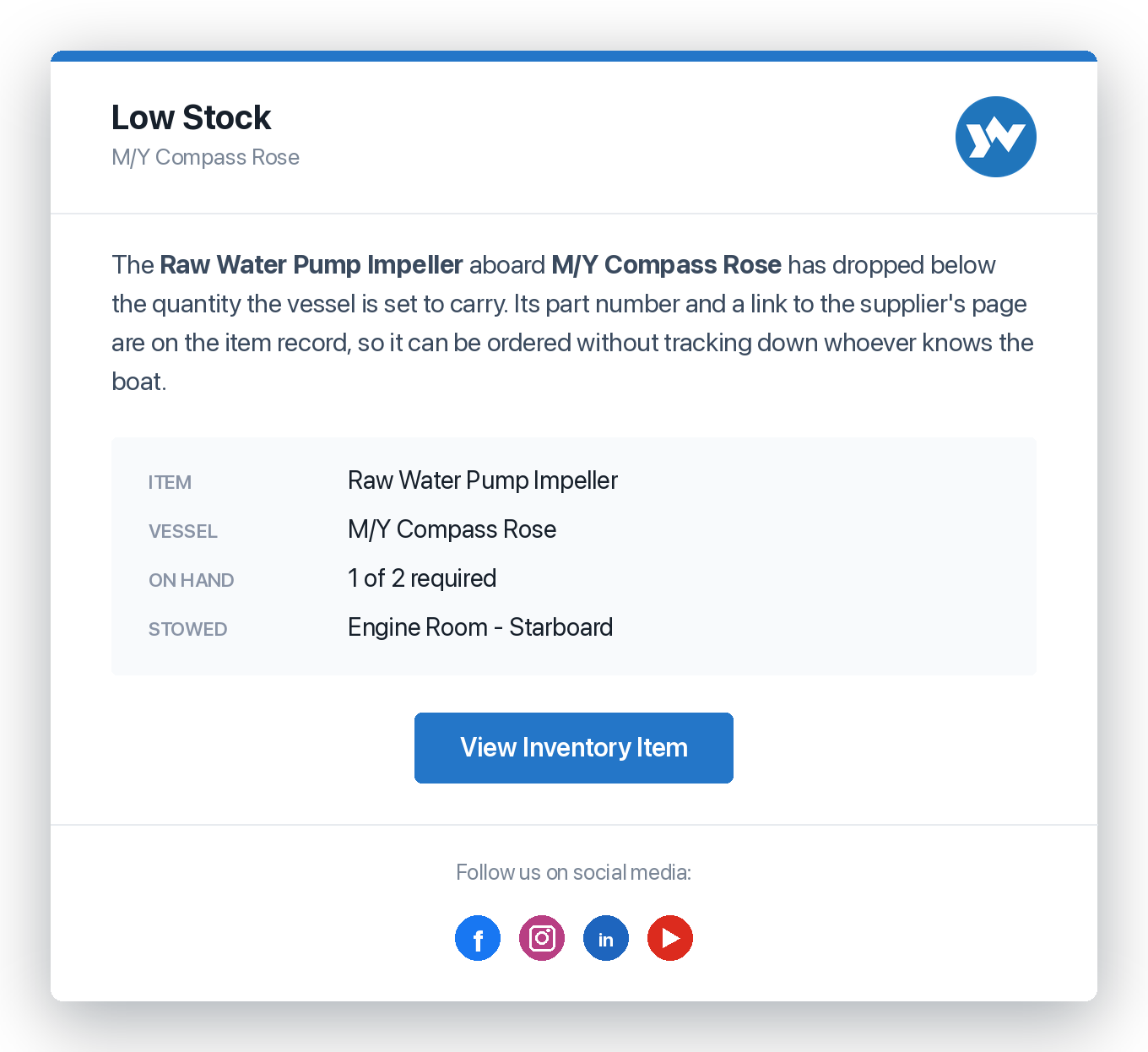
Quantity on board versus quantity required — the reorder state computes itself before the season eats the safety stock. You set what the boat should carry once, and the list tells you what's short.
Part Numbers & Supplier Links
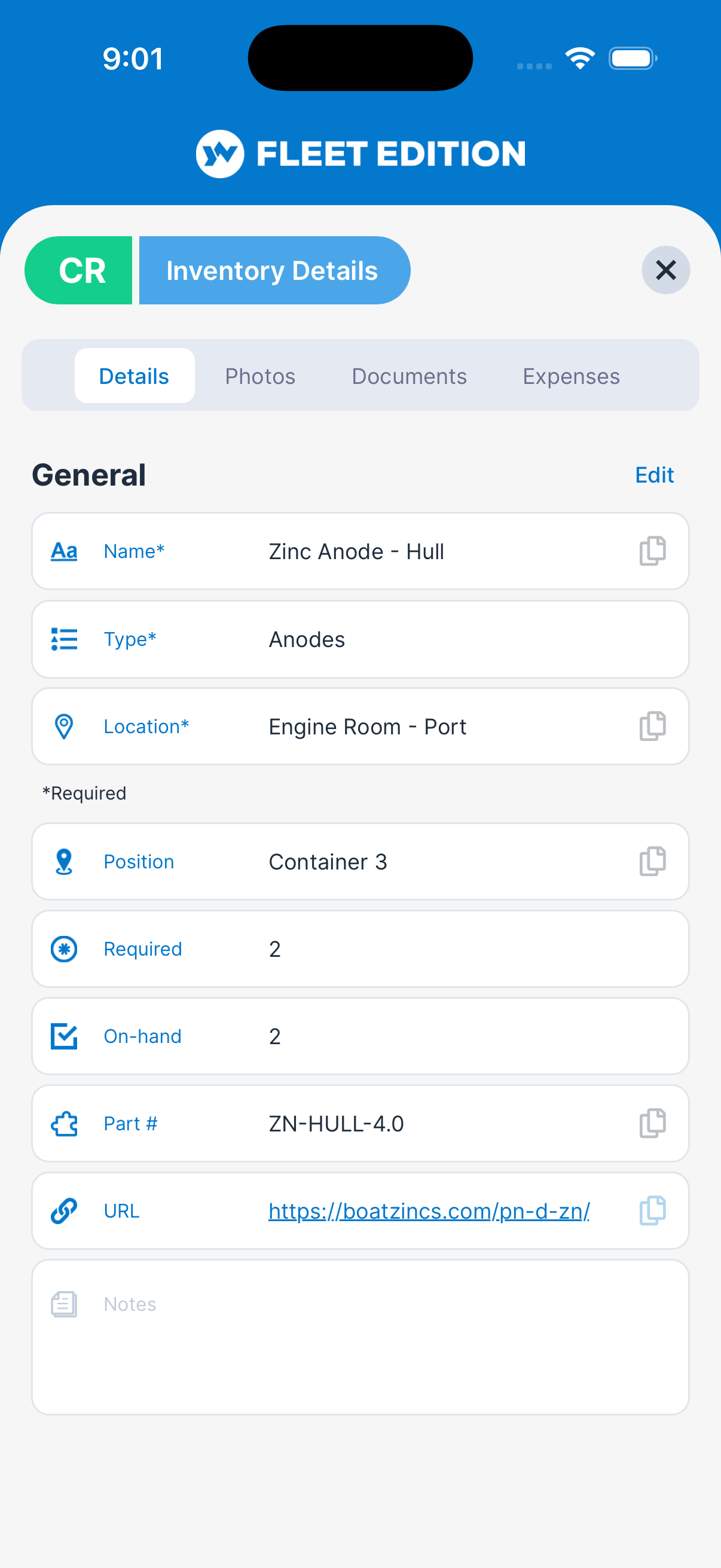
The right part number and where to buy it, on the item record — the difference between one shipment and three in a remote port. Whoever is doing the ordering doesn't have to be the person who knows the boat.
Ordering From Anywhere
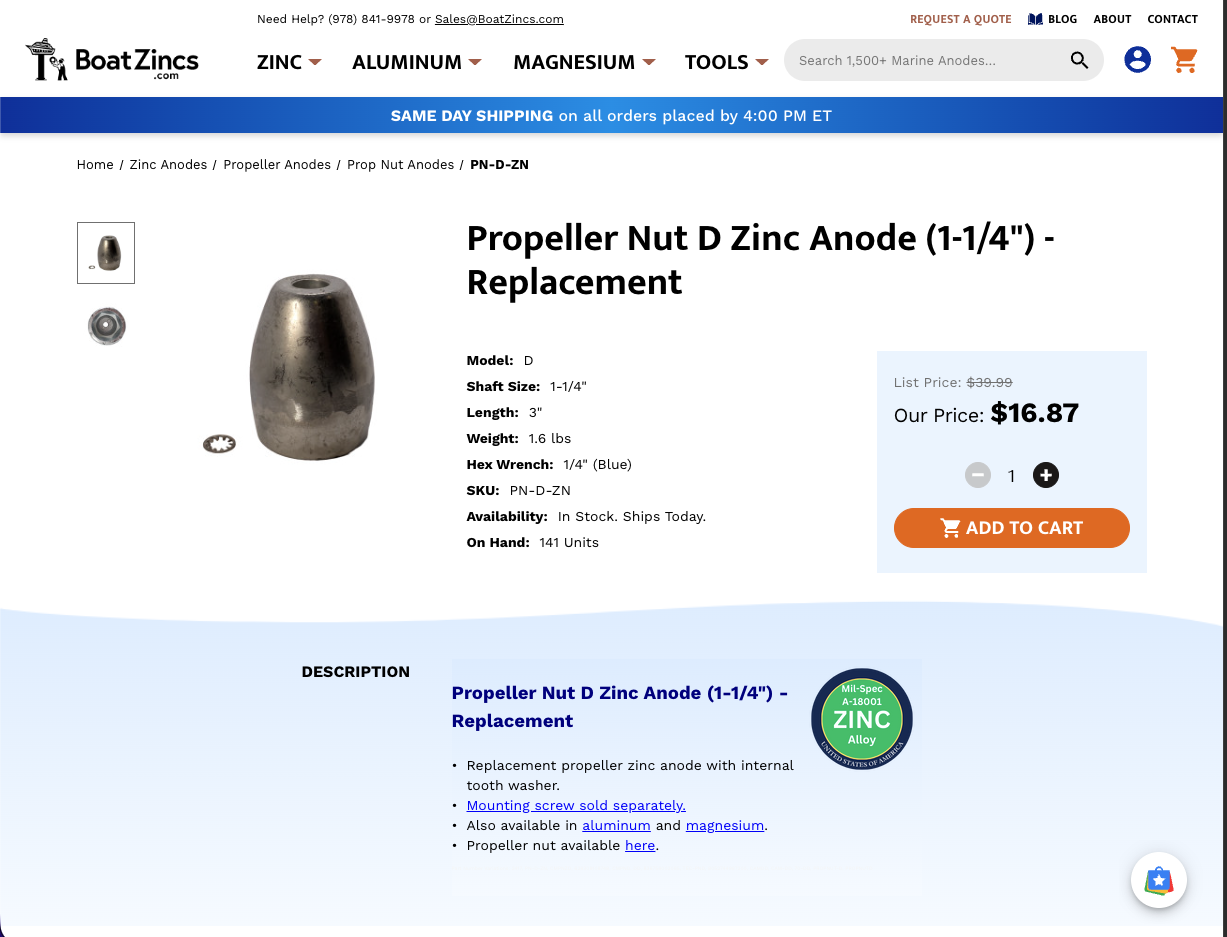
The crew member standing in front of the empty shelf has the part number, the supplier, and the photo in their pocket. Tap the link and the supplier's own page for that exact part opens, ready to order — no call to the captain, no photograph of a label sent to somebody's phone, no guessing at a size.
Told, Not Discovered
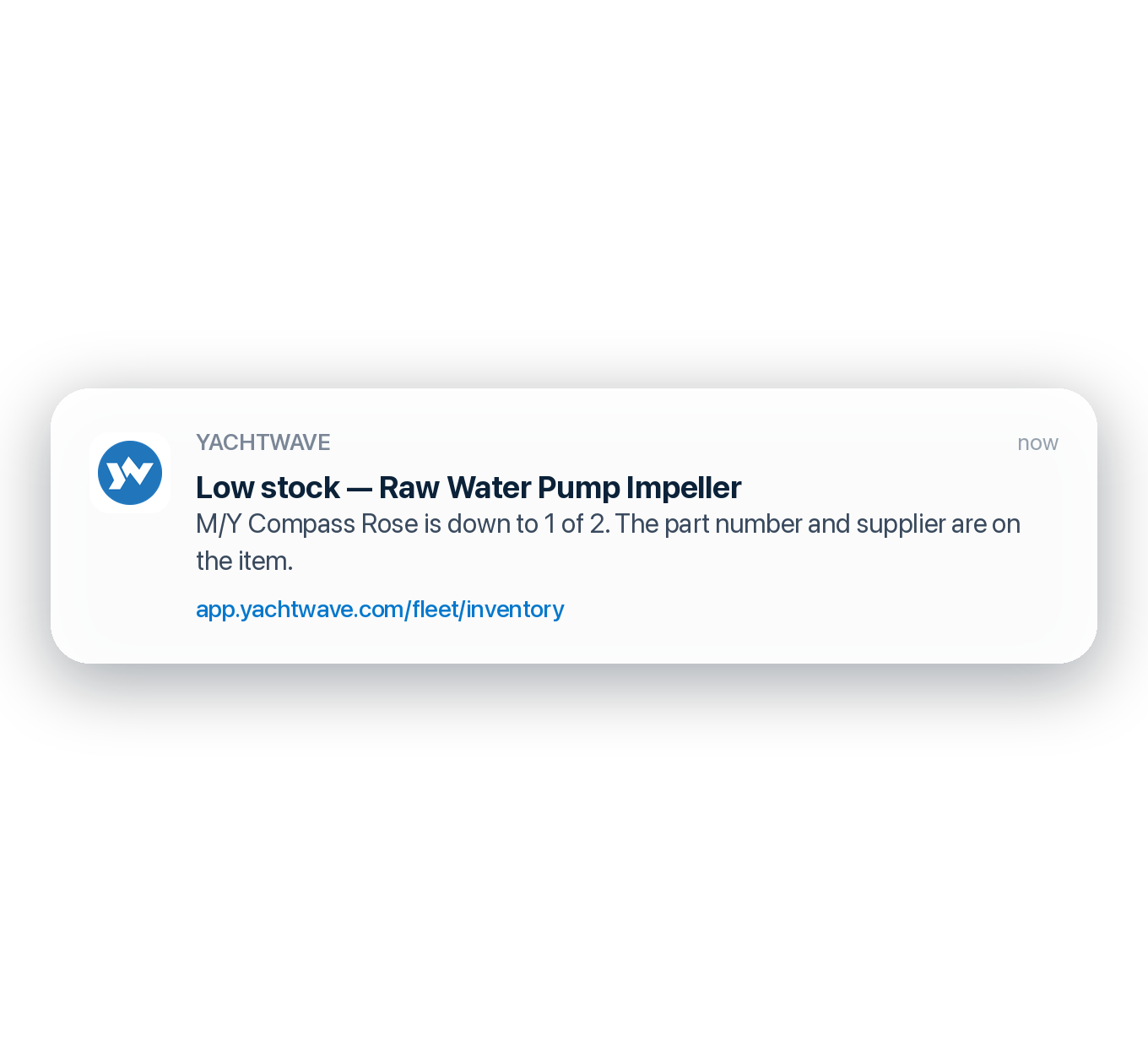
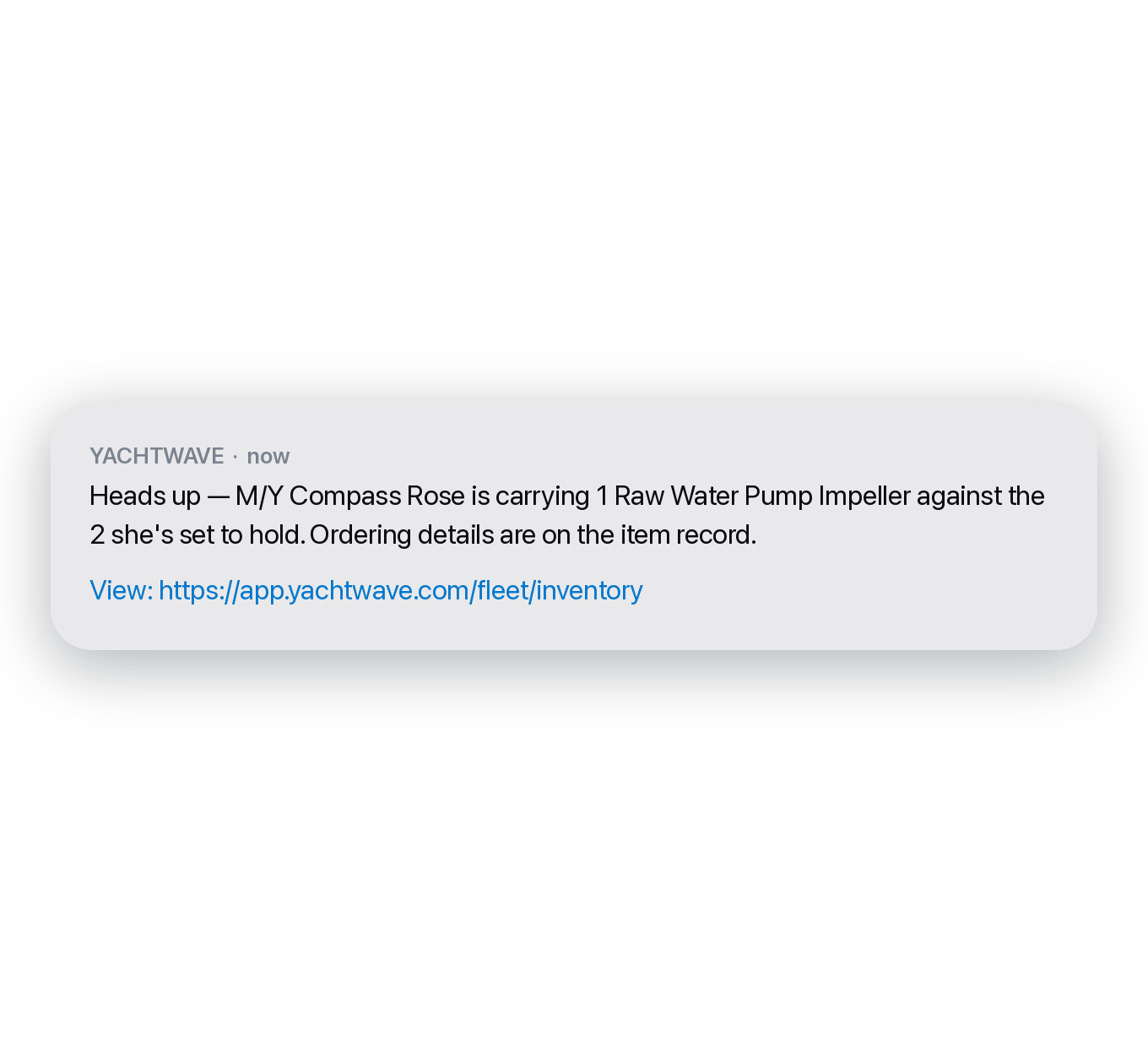
The reorder state doesn't sit on a screen waiting for somebody to go and look at it. When an item falls below what the boat is supposed to carry, the alert goes out — as a push notification, a text, or an email — to whoever looks after that vessel. Whichever way it arrives, it names the item, the boat, and how short you are.
The Other One Watches Dates
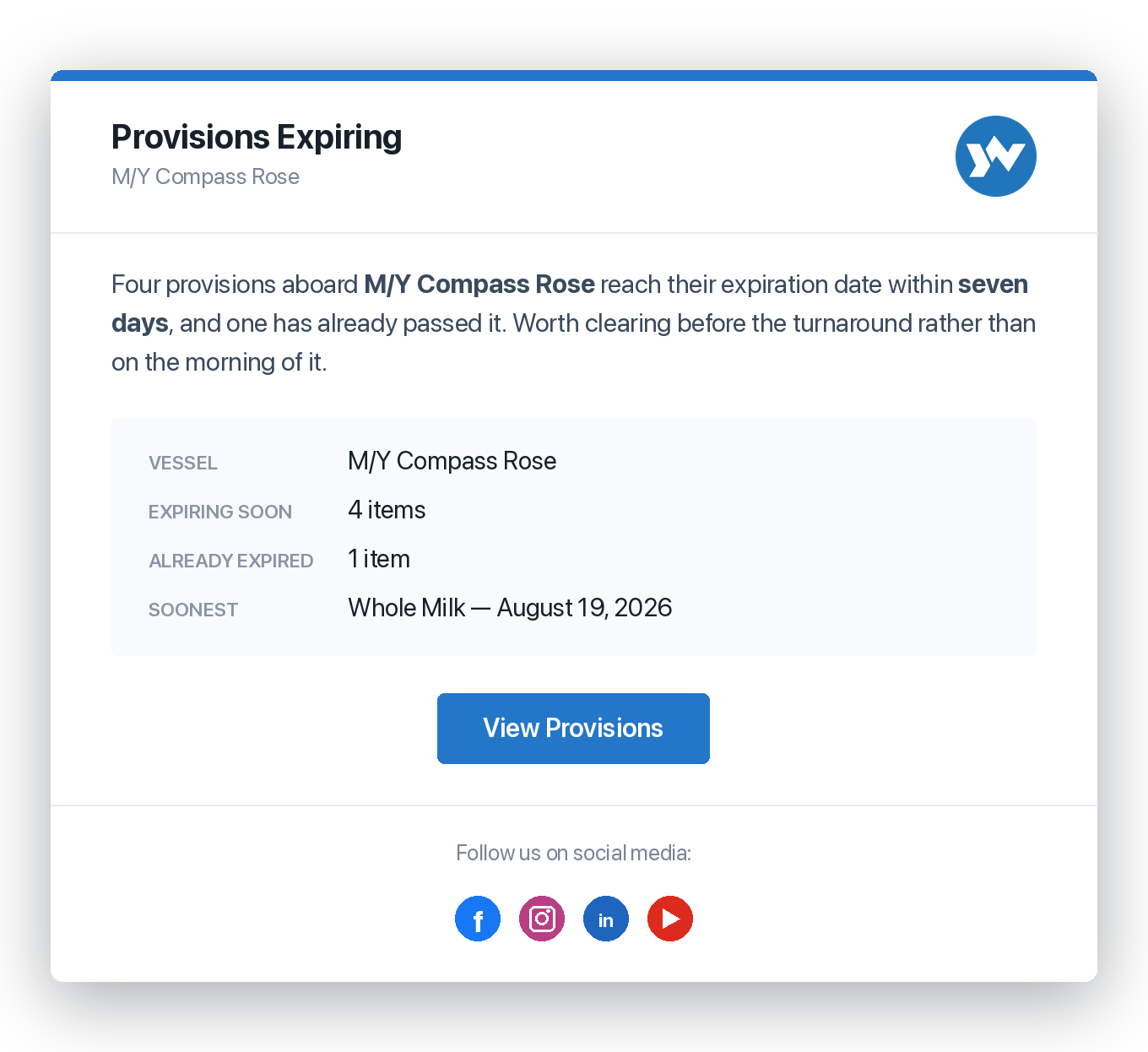
Quantity is only half of it. Anything carried with an expiration date gets its own alert as that date approaches — on the engine-room side and in the galley alike — so it's replaced on a quiet week rather than discovered out of date on the one morning it's needed.
The Galley Keeps Its Own List
Ultimate Edition
Turnaround day is a same-day, high-stakes exercise, and the chef and the engineer should never be scrolling past each other's stock. Provisions run on the same engine as inventory, in their own list, with galley categories of their own.
Provisions Management
Galley stock tracked separately from engine-room inventory — categories, quantities, and expirations for charter turnaround days. Snacks, beverages, frozen, dry goods, dairy, produce: the galley's own taxonomy, not a spares list with food in it.
Expiration Tracking
Every provision carries an expiration date and a Good / Expiring / Expired status — nothing out-of-date makes it aboard. The check happens on the list, before the shop run, instead of on the morning of the charter. And the list says what's about to go off without anyone having to open it.
What to Buy Before Guests Step On
Know what's aboard before the shop run and the difference is one trip instead of three. Consumption in season runs many times what it does the rest of the year, which is exactly when there is least time to work it out.
The Galley Survives the Crew Change
Stews and chefs move on more often than anyone. When the galley's state lives on the boat rather than in the departing chef's memory, the next one starts from a list instead of an inventory afternoon.
Inventory Management — with low-stock alerts, part numbers, supplier links, and storage locations — is included in the free Personal Edition and in the Pro and Ultimate fleet editions. Provisions Management, the galley's own list with expiration tracking, is part of the Ultimate Edition.
Compare Every Feature, Edition by Edition →
Stop Buying the Spare You Already Own
Named once, stowed somewhere specific, counted against what the boat should carry, and ordered with the right part number — from wherever the crew happens to be standing.
CONTACT US