
Fleet Edition Setup Guide
Welcome aboard! This guide walks you through creating your YACHTWAVE account, activating your free Ultimate Edition trial, and setting up your organization — step by step.
Setup at a Glance
Getting your organization up and running on YACHTWAVE® Fleet Edition takes just a few minutes. There are three simple phases:
Create Your Account
Sign up at app.yachtwave.com and log in for the first time.
~2 minutesStart Your Free Trial
Activate the Ultimate Edition trial and set up your organization.
~3 minutesUpgrade When Ready
Choose monthly or annual billing and check out securely with Stripe.
~2 minutesBefore You Begin, Have These Ready
- Your email address — this becomes your organization's primary login
- Your organization name and details — company name and contact information
- A payment card — only needed if/when you upgrade to a paid subscription (not required for the trial)
Create Your Account
Go to app.yachtwave.com
Open your web browser and navigate to the YACHTWAVE application. We recommend bookmarking this page — it's your home base for managing your fleet.
Open app.yachtwave.com →Create an Account
On the login page, look below the Log In button at the bottom of the page and select Create an Account. Enter your details to register.
Tip: Use the email address you want associated with your organization — this account becomes the owner of your fleet.
Log In
Once your account is created, return to the login page and log in with your new credentials. You'll land on your YACHTWAVE dashboard.
Start Your Free Ultimate Edition Trial
Navigate to Subscription
From the main menu, go to:
Select Ultimate Edition and Start Your Trial
Go to the Ultimate Edition plan, then click:
then
Enter Your Organization Name and Details
Fill in your organization's name and details. This is how your fleet, crew, and vessels will be organized inside YACHTWAVE.
That's it — your Ultimate Edition trial is now active! You have full access to every Fleet Edition feature for 15 days.
About your trial: You can remain in the free trial period for 15 days to explore everything Ultimate Edition offers — or upgrade to the paid subscription right away by following the steps below. No payment card is required during the trial.
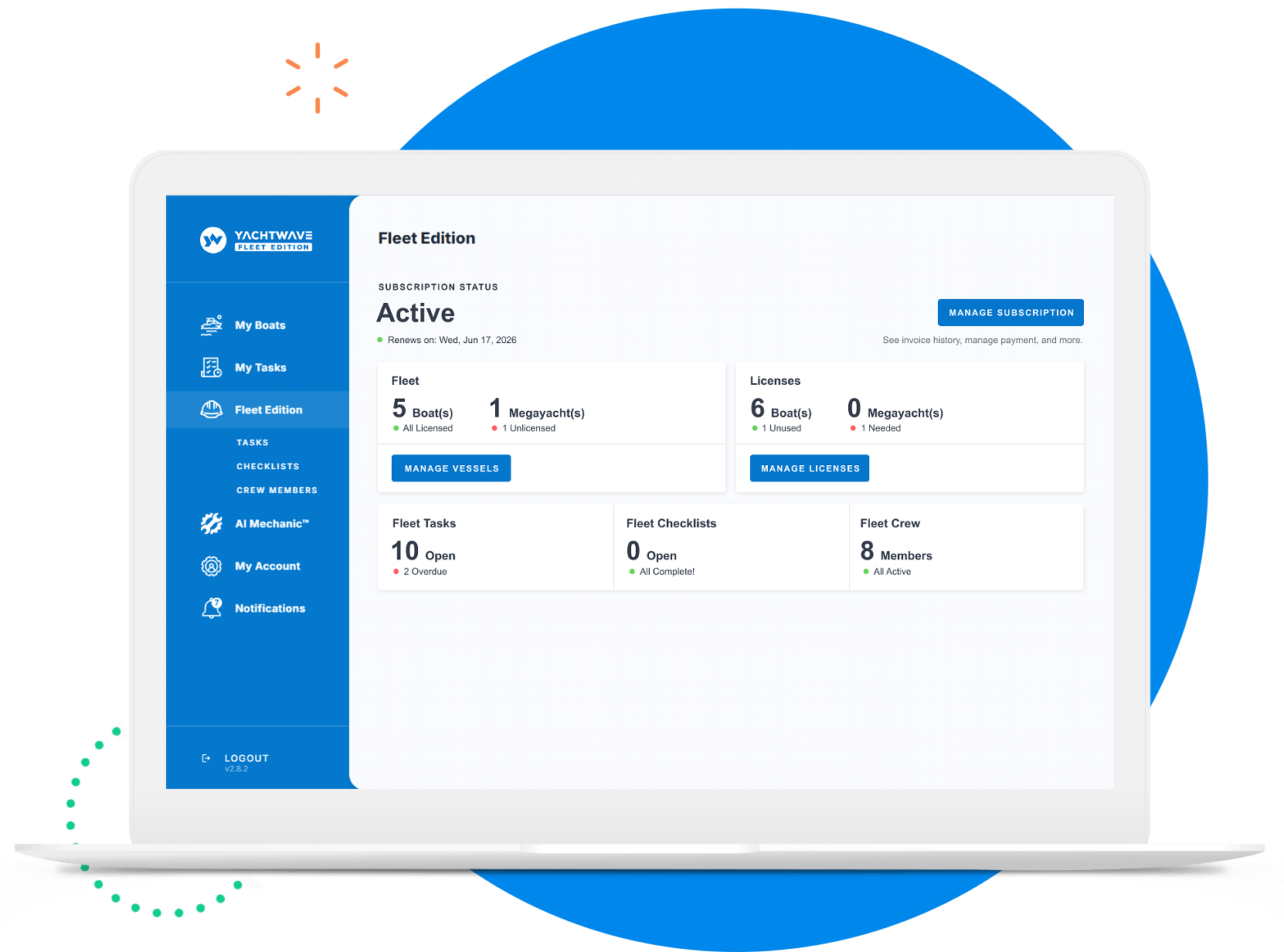
Upgrade to a Paid Subscription
Ready to make it official? You can upgrade at any point during your trial — or wait until the 15 days are up.
Choose Your Plan and Add Your Boats
Head back to the Subscription page:
Select Monthly or Annual billing, then on the Ultimate Edition plan click:
for each vessel in your fleet, then
Tip: Annual billing saves you up to 17% versus monthly. You can add more boat licenses at any time as your fleet grows.
Complete Checkout with Stripe
You'll be directed to the Stripe Checkout page to enter your payment details. Stripe is a secure, industry-leading payment platform — YACHTWAVE never sees or stores your card information.
Congratulations! Once checkout is complete, your Fleet Ultimate Edition subscription is active and your organization is fully set up.
What's Next?
With your organization active, here's how to get the most out of Fleet Edition:
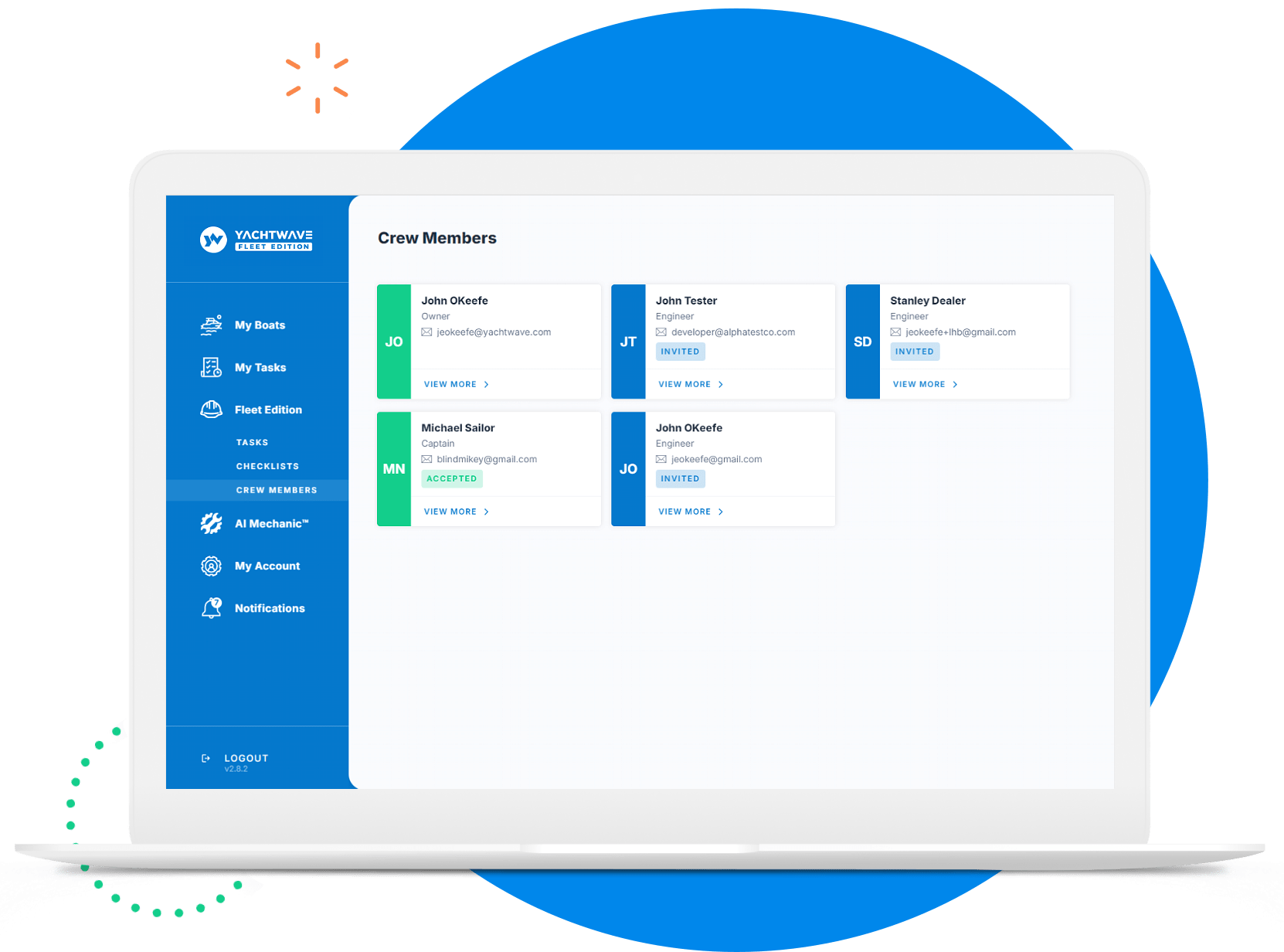
Questions About Getting Set Up?
Our team is happy to walk you through setup or answer any questions along the way.
CONTACT US