
Notes & Contacts
The quirks, the procedures, the trusted vendor in every port — written to the boat instead of to somebody's memory, so the knowledge stays aboard when the crew changes.
The Most Important Manual Was Never Written
Ask the Boat — Not the Person Who Left in March.
It's a Saturday afternoon, the owner is aboard, and the generator won't start — and the trick to starting it left in March with the deckhand who knew it. The yard is closed, the mobile tech isn't answering, and the afternoon is spent rediscovering something the operation already knew once. Even professional superyacht crews — with engineers, standing orders, and paid handover periods — describe losing vessel knowledge faster than they can transfer it; on the 30 – 80 ft boats a working manager actually runs, almost none of it gets written down at all. YACHTWAVE® yacht management software gives every vessel a place for that knowledge to live: notes, codes, and contacts attached to the boat itself — searchable by whoever is aboard next.
The Boat's Institutional Memory
Every vessel accumulates knowledge — which batteries the windlass hates, how the shore power likes to be connected, what the surveyor said about the port fuel tank. In most operations it evaporates with whoever learned it. In yacht maintenance software it becomes a record.
Notes
The boat's institutional memory — quirks, procedures, history — attached to the vessel, so knowledge stays when crew move on. Written once, it belongs to the boat: the next captain doesn't inherit a blank slate, they inherit everything anyone bothered to write down.
Pinned, Categorized, Searchable
Organize notes by category, pin the ones that matter to the top, and search the full text of all of them — so “I know somebody wrote this down” takes seconds to resolve instead of a phone call to someone who no longer works for you.
Photos & Documents, Attached
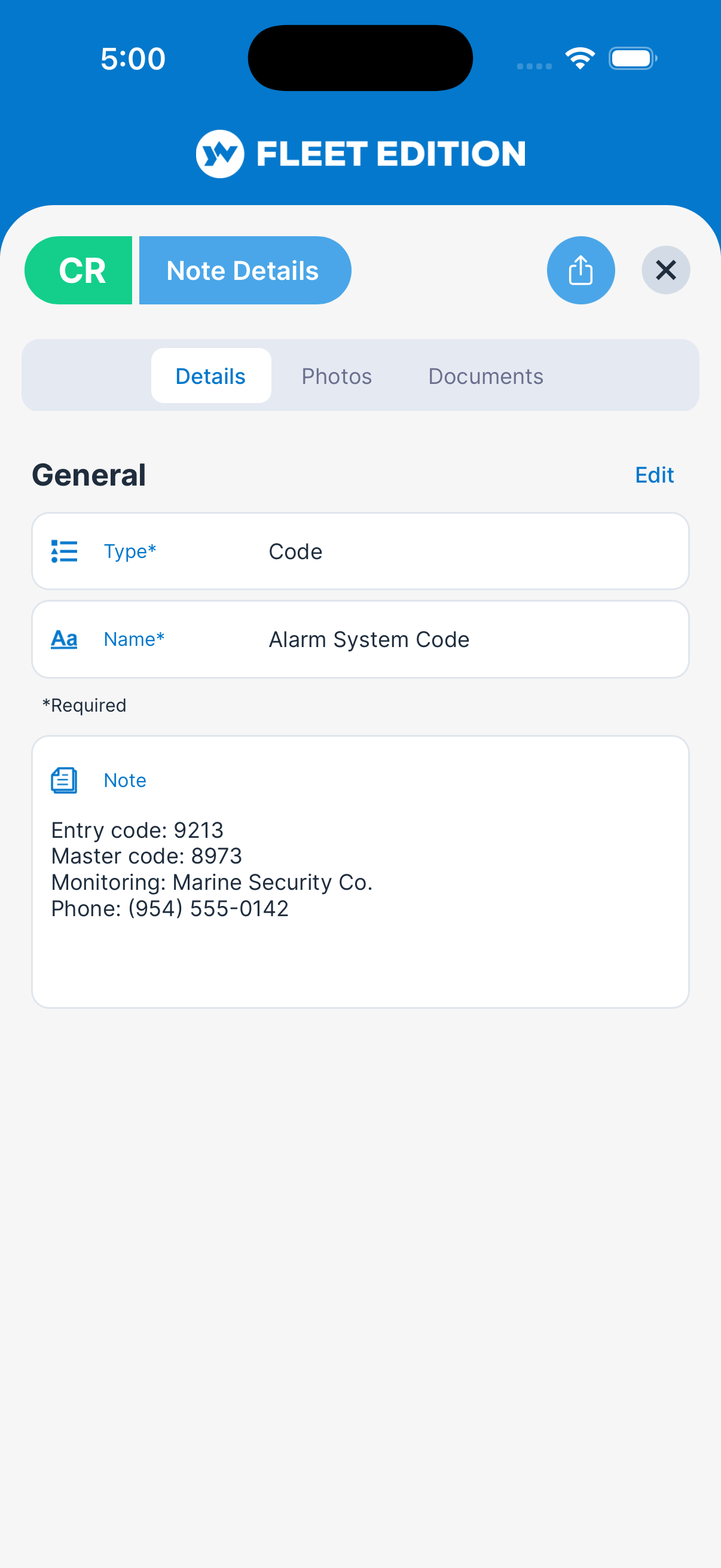
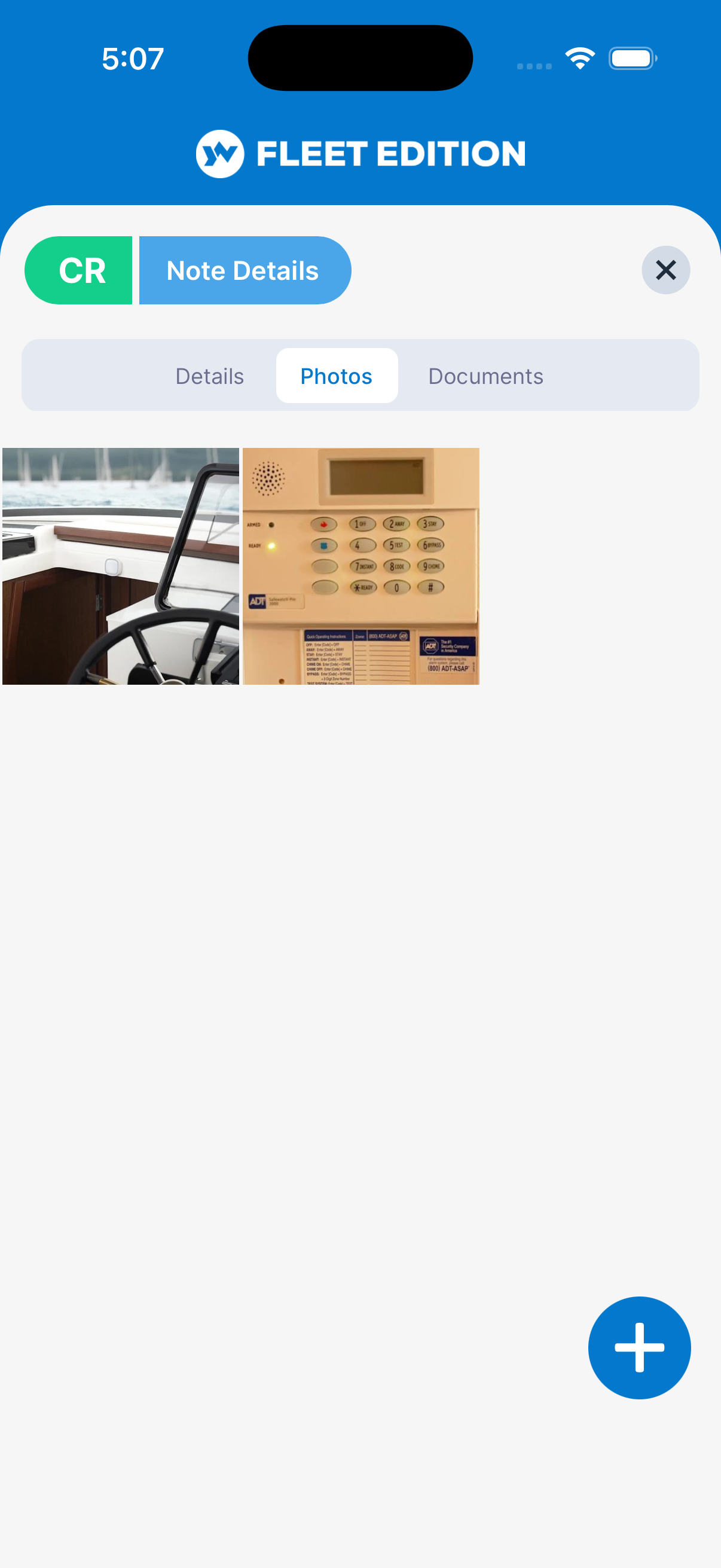
Every note carries its own photos and documents — the picture of the seacock you're describing, the wiring sketch, the yard's one-page instructions — so the explanation and the evidence stay together.
Private When It Needs to Be
Mark a note private and it stays yours. Everything else is there for the crew — which is the point: a note only the author can find is just a better-organized version of the problem.
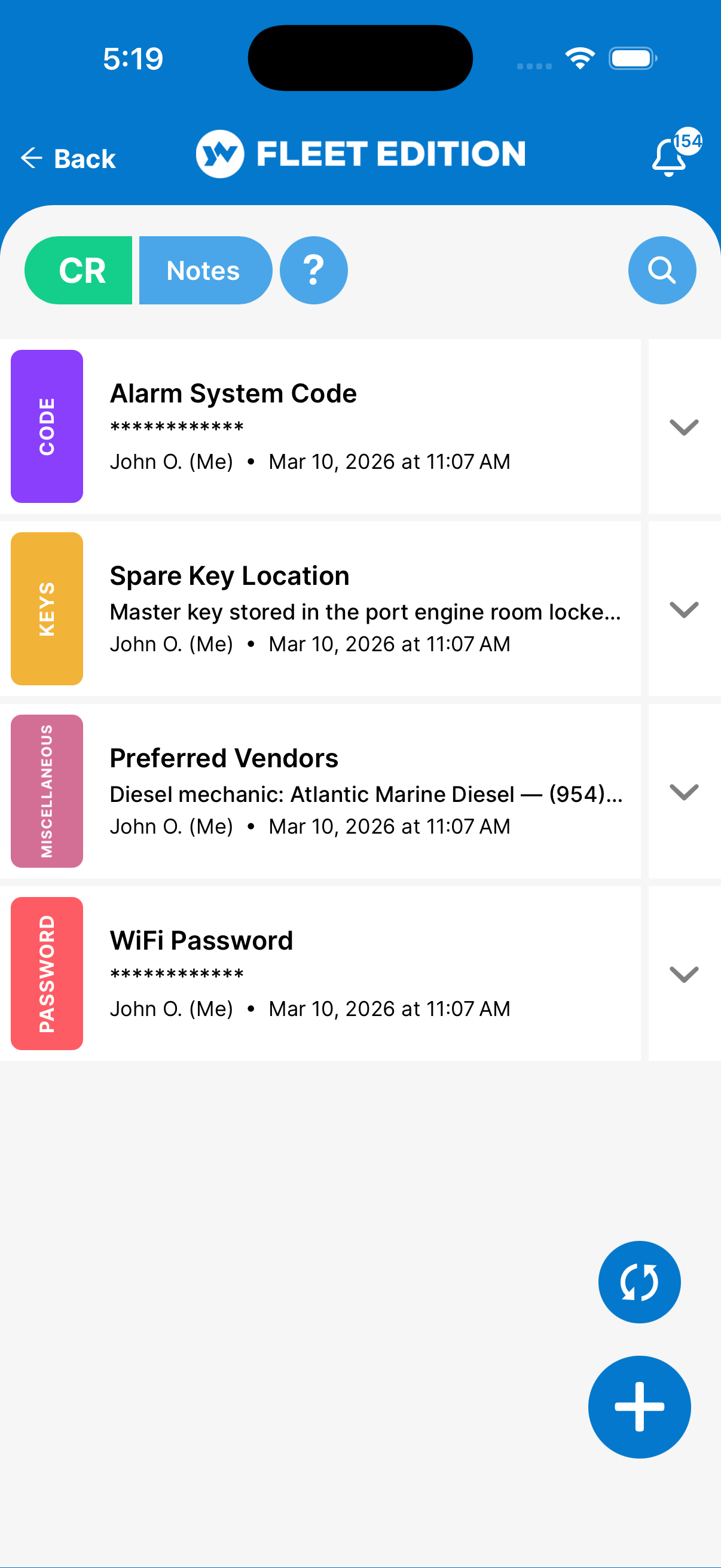
The Codes Come Off the Sticky Note
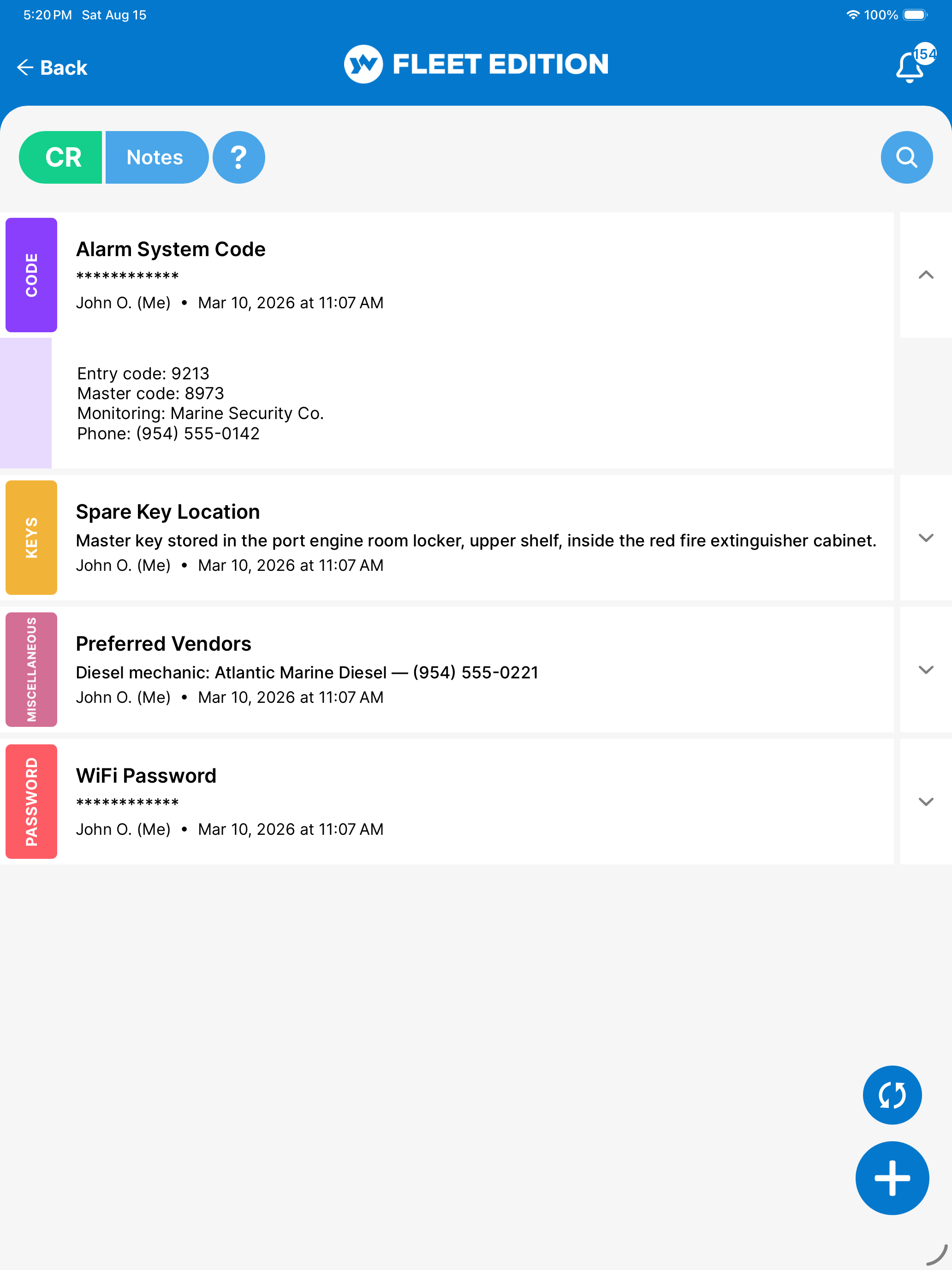
Every boat has them: the Wi-Fi password taped inside a locker, the gate code in a text thread from two seasons ago, the alarm code everyone swears they'll remember. That system works right up until the person who remembers isn't aboard.
Secure Storage for Passwords & Codes
Wi-Fi passwords, door codes, alarm codes — stored separately and securely in the database, and masked in note views until you choose to reveal them. Off the sticky note at the helm, into the app.
Masked on Screen, Revealed on Purpose
A code never sits in plain sight in a note — anyone glancing over a shoulder at the helm sees dots. When you actually need the alarm code at the dock gate, one tap reveals it — a deliberate act, not a default state.
Available to the Crew, Not to the Dock
The crew who need the codes have them in their pocket on every vessel they serve on — without a laminated card in the cockpit or a whiteboard in the galley announcing them to everyone who steps aboard.
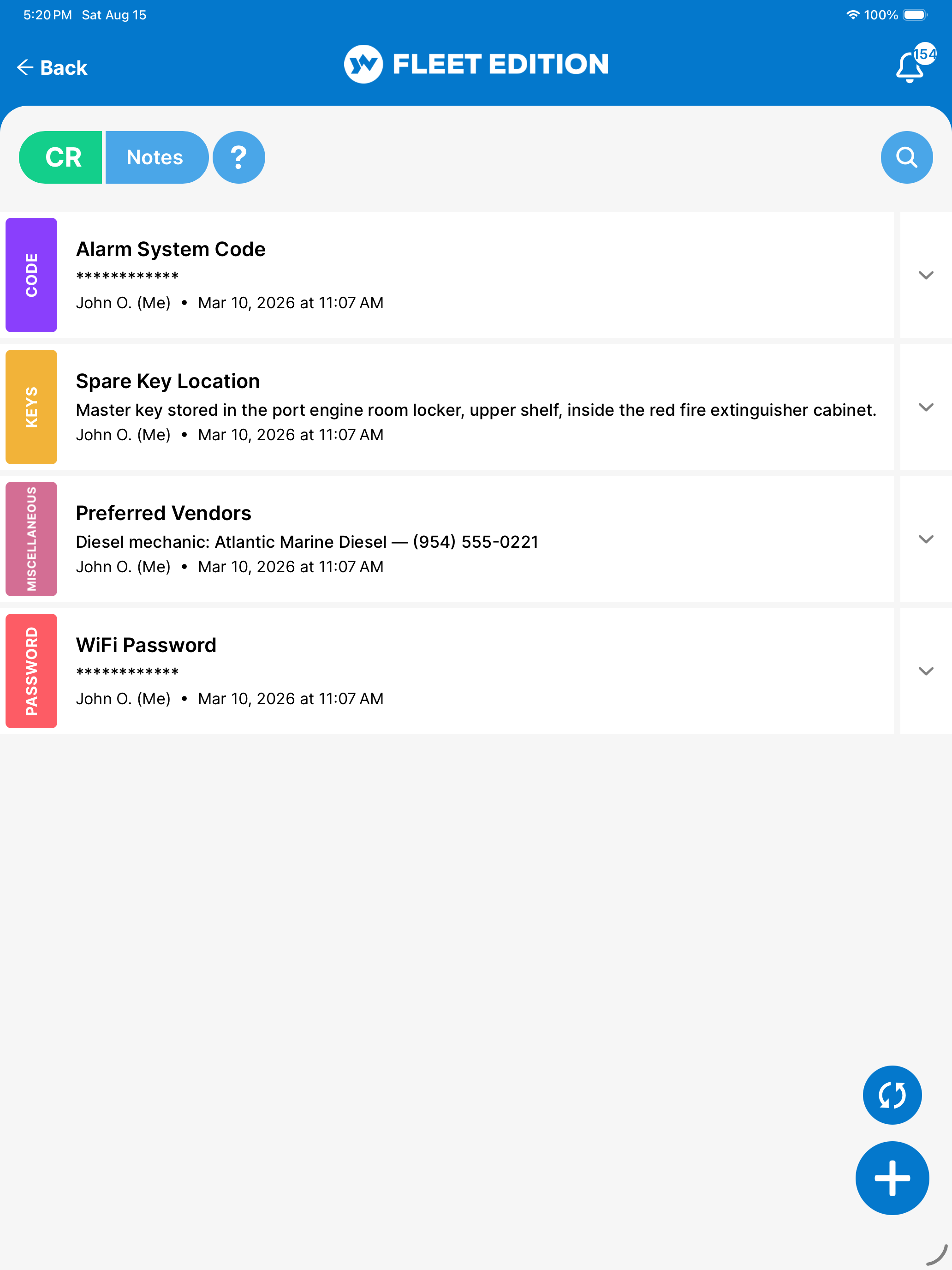
Send a Note to Someone Who Isn't in the App
Not everyone who needs the information is part of the crew — the delivery skipper, the contractor meeting you at the dock, the owner's brother borrowing the boat for a weekend.
Note Sharing
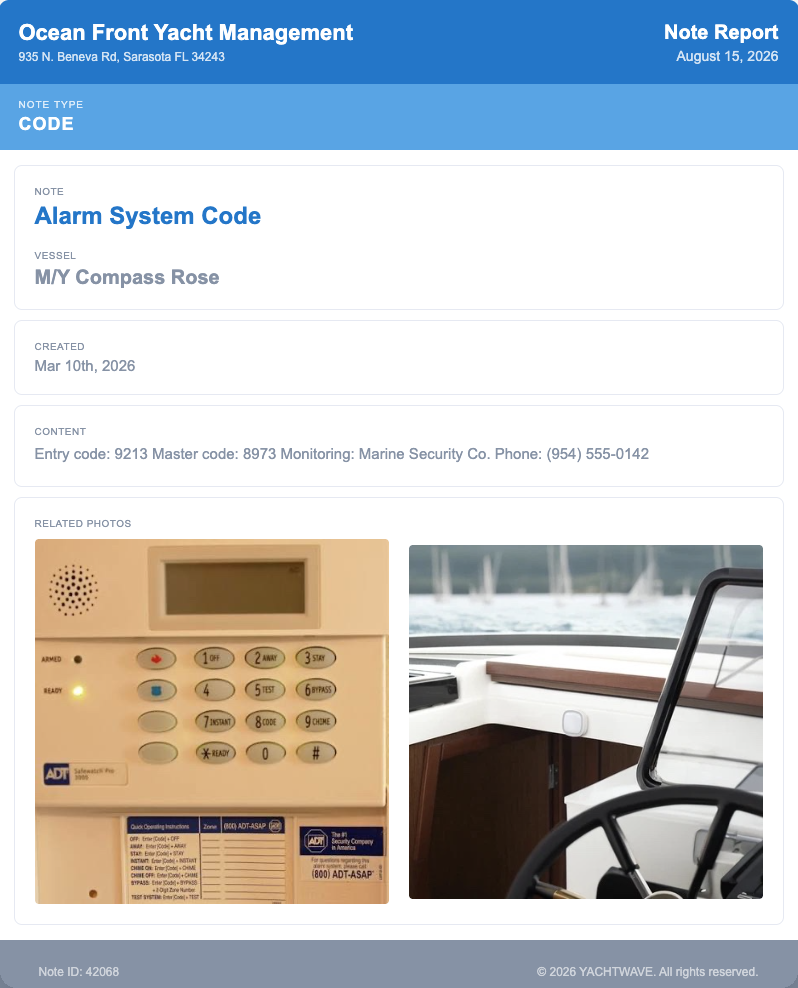
Share a note as a live web page — dock instructions, a vendor briefing — viewable by anyone you send it to, no account needed. Write it once in the app, send the link, and the recipient sees a clean page with the text, photos, and documents attached.
No Account, No App, No Friction
The person on the other end just opens a link — nothing to install, nothing to sign up for. Which means the briefing actually gets read, instead of arriving as six texts, two voicemails, and a photo of a handwritten page.
The Trusted Vendor in Every Port
Ask any experienced yacht manager what their most valuable asset is and the honest answer is a list of people: the diesel tech who answers on weekends, the canvas shop that doesn't need three reminders. That list should belong to the operation — not to whoever built it.
Contacts
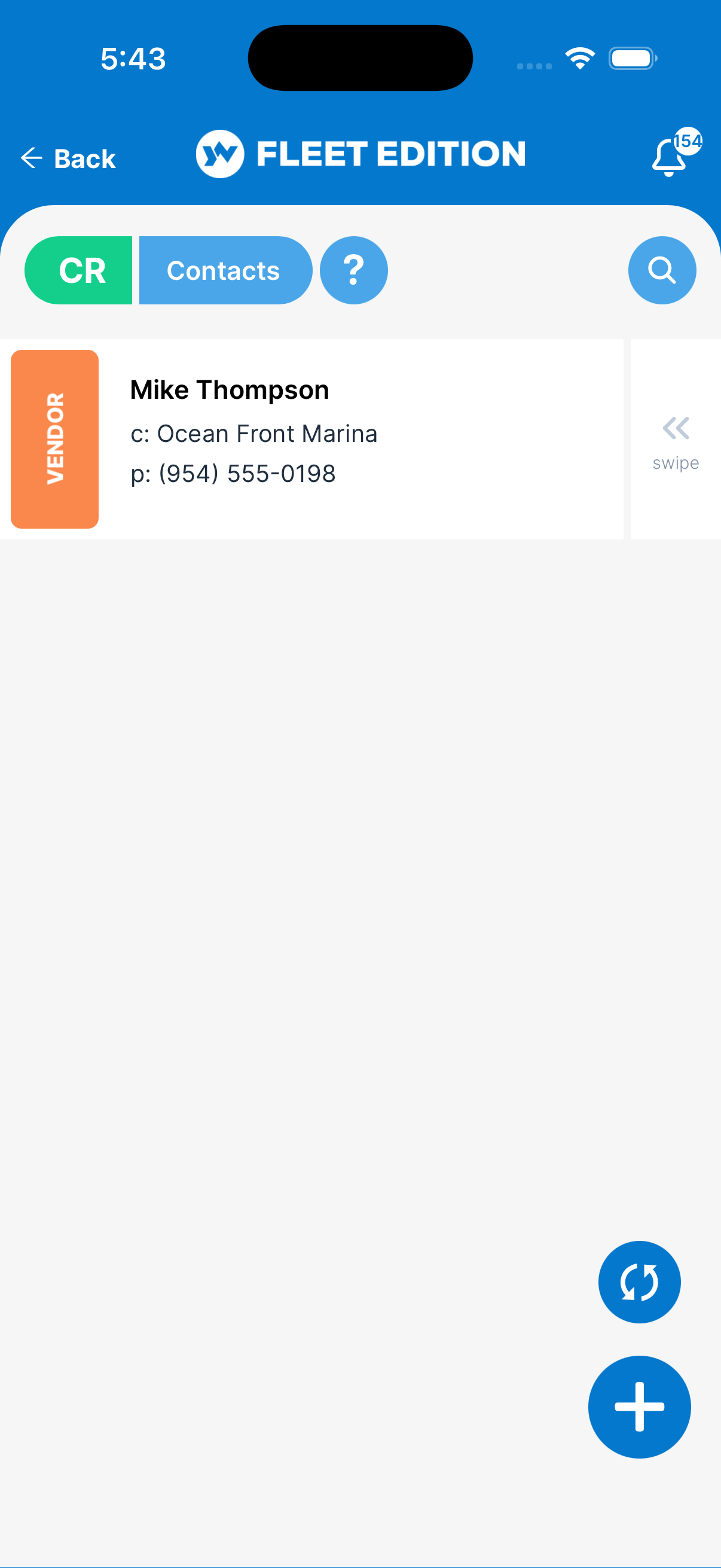
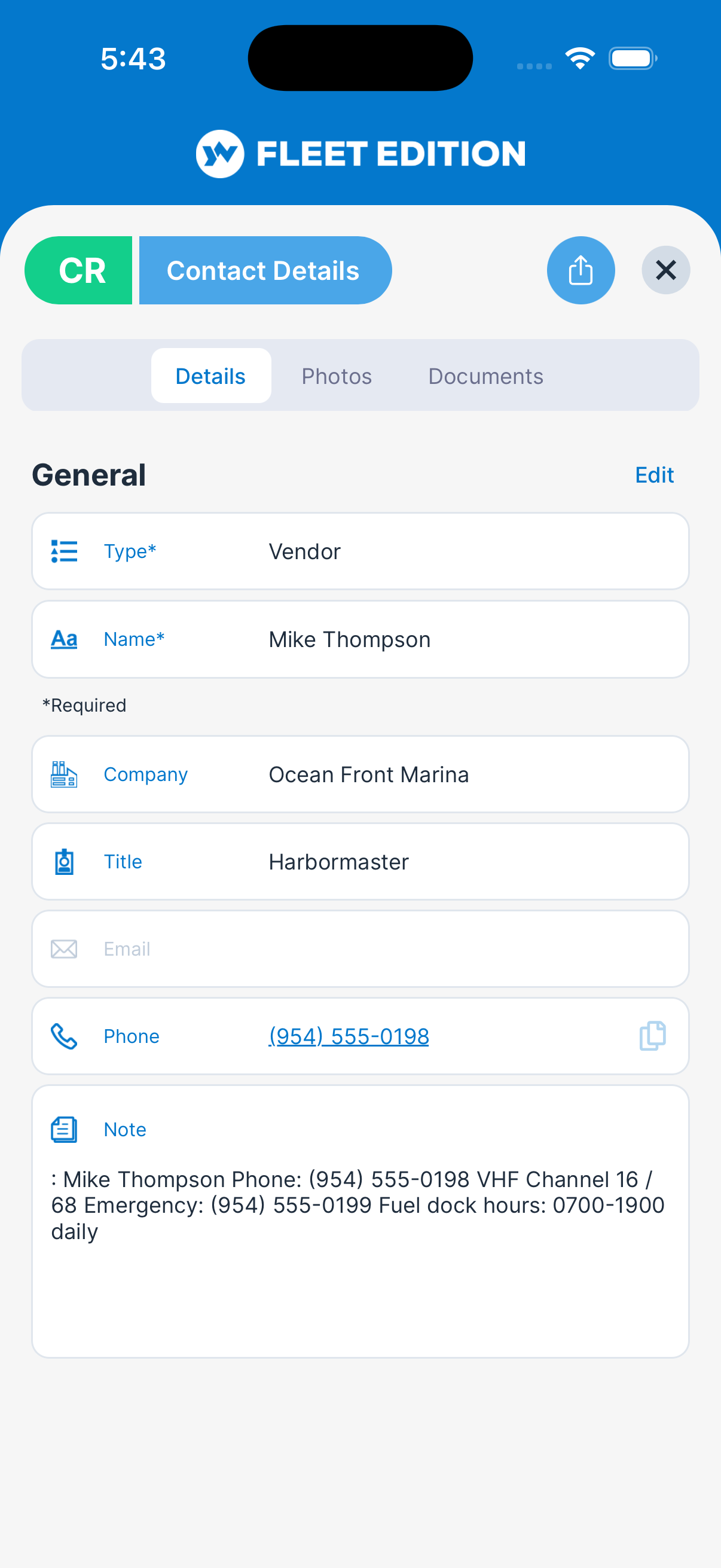
The trusted vendor in every port, with tap-to-call — and vendor spend tracked automatically through Expenses. Each contact is a structured record — company, role, phone, email, notes — attached to the vessel it serves.
Tap to Call, Tap to Email
Standing on the dock with a dead battery charger, you don't want a name — you want a phone that's already ringing. Every contact dials or emails in one tap from the record.
Vendor Spend, Tracked Automatically
Contacts feed the “Paid To” picker in Expenses, so every invoice you log accumulates against the vendor who sent it. When it's time to negotiate the annual haul-out, you know exactly what this yard has cost you — without building a spreadsheet.
The Book Belongs to the Boat
Contacts are kept per vessel, so the relationships survive every crew change. The next manager inherits the electrician who knows this boat's wiring — instead of starting the search from zero.
Notes, secure storage for passwords & codes, note sharing, and contacts are included in every YACHTWAVE® edition — free Personal included.
Compare Every Feature, Edition by Edition →
Write It to the Boat, Not to Memory
Quirks, codes, procedures, and the vendor who actually answers — attached to the vessel and searchable by whoever is aboard next. That is what yacht management software is for.
CONTACT US