
Crew & Fleet Management
Every person, every boat, every role — one operation instead of a dozen group chats and a spreadsheet of who is where.
The Knowledge Leaves on the Same Flight as the Person
Crew Turn Over. The Boat Doesn't.
Crew move on — that is simply the industry, not a failure of your operation. What turns it into a problem is that most of what a person knew about a vessel was never written down anywhere: the quirks, the workarounds, the supplier who actually answers, the reason that valve is left half open. It leaves with them, and the next person rediscovers it the expensive way. YACHTWAVE® yacht management software makes the boat the place the knowledge lives. People are invited to vessels with a role, their work is recorded as they do it, and their certifications travel with them — so a crew change becomes an afternoon of introductions instead of a season of archaeology.
Put the Right People on the Right Boats
Everything starts per vessel: who works on this boat, in what capacity, and what they are qualified to do. Included in every edition, free Personal included.
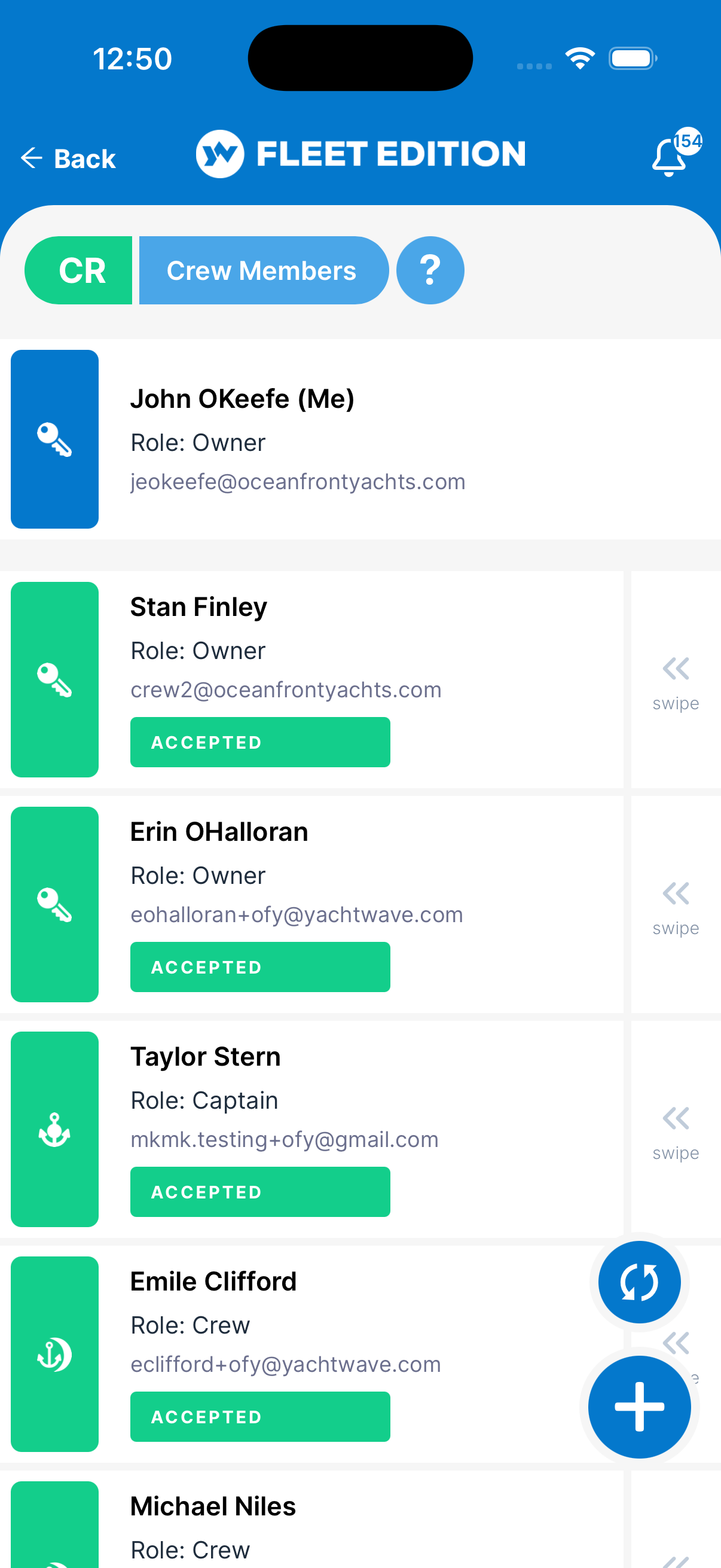
Crew Members
Invite captains, engineers, and crew to work in one system. Profiles and certifications travel with the person; records stay with the boat — which is exactly the split you want when either one changes.
Vessel Roles
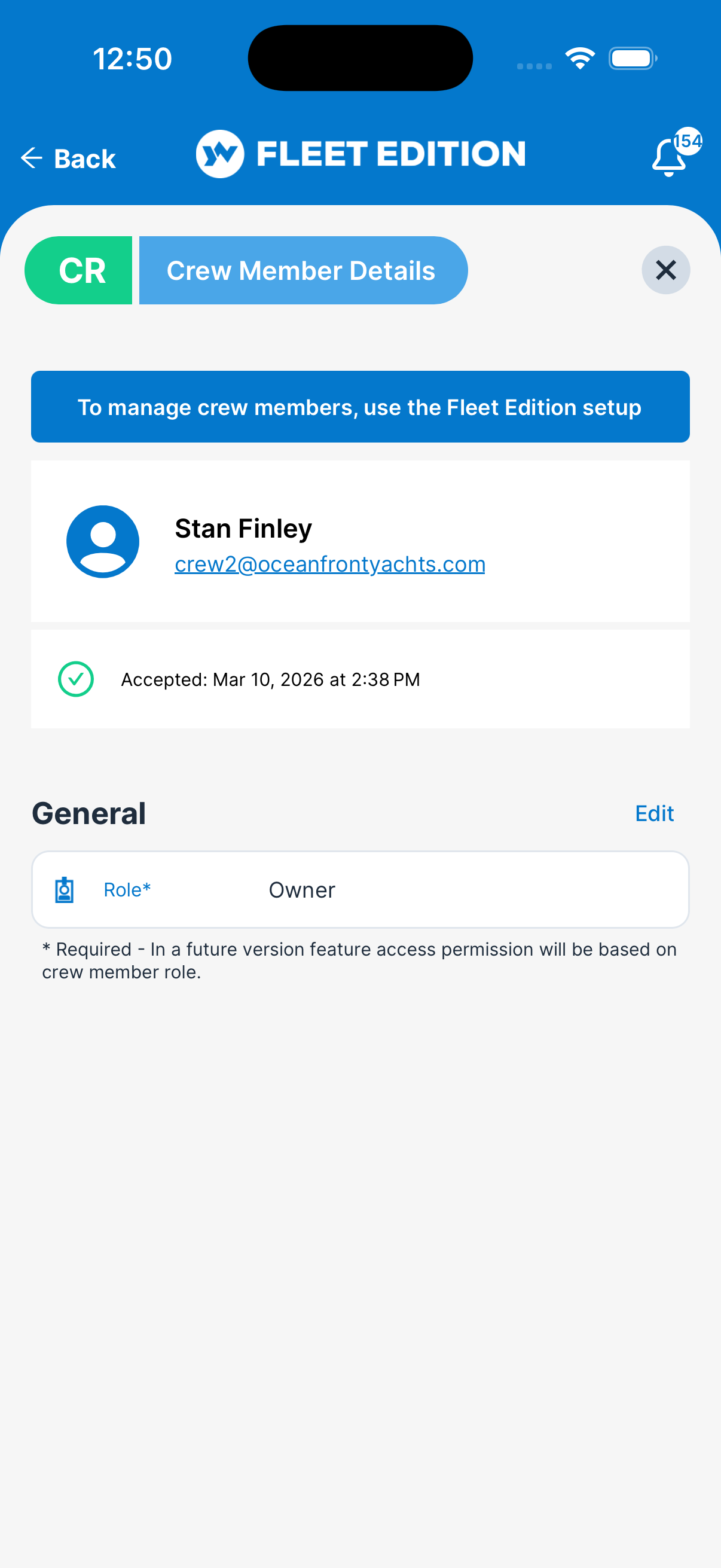
Define each person's role on each vessel — Owner, Captain, Engineer, Crew, and more — so it's always clear who's who on every boat. The same person can be captain on one and relief crew on another.
Invite Crew Members
Invite anyone by email — they don't need an account yet. Pending, accepted, and declined states are tracked, so you know who is actually in the system rather than who you meant to add.
Crew Documents & Credentials
Store documents on each crew member's record — licenses, certifications, passports, medical cards — so credentials are on file and at hand the moment an inspector or agent asks, instead of in a photo on somebody's phone.
One Screen for the Whole Operation
Fleet Edition Only
Managing one boat is a list. Managing a fleet is a different job, and it needs its own workspace — this is the one thing that separates a fleet edition from a very good single-boat app.
Global Fleet Dashboard
Your workflow command center: the whole fleet on one screen — overdue work, live checklists, expiring documents, and who's doing what across every vessel and time zone. The morning question “what needs me today?” has an answer before your coffee does.
Fleet-Wide Global Search
One search box across everything — type anything and instantly find the vessel, task, ticket, checklist, or crew member it belongs to, across the whole fleet. No remembering which boat a job was on before you can look it up.
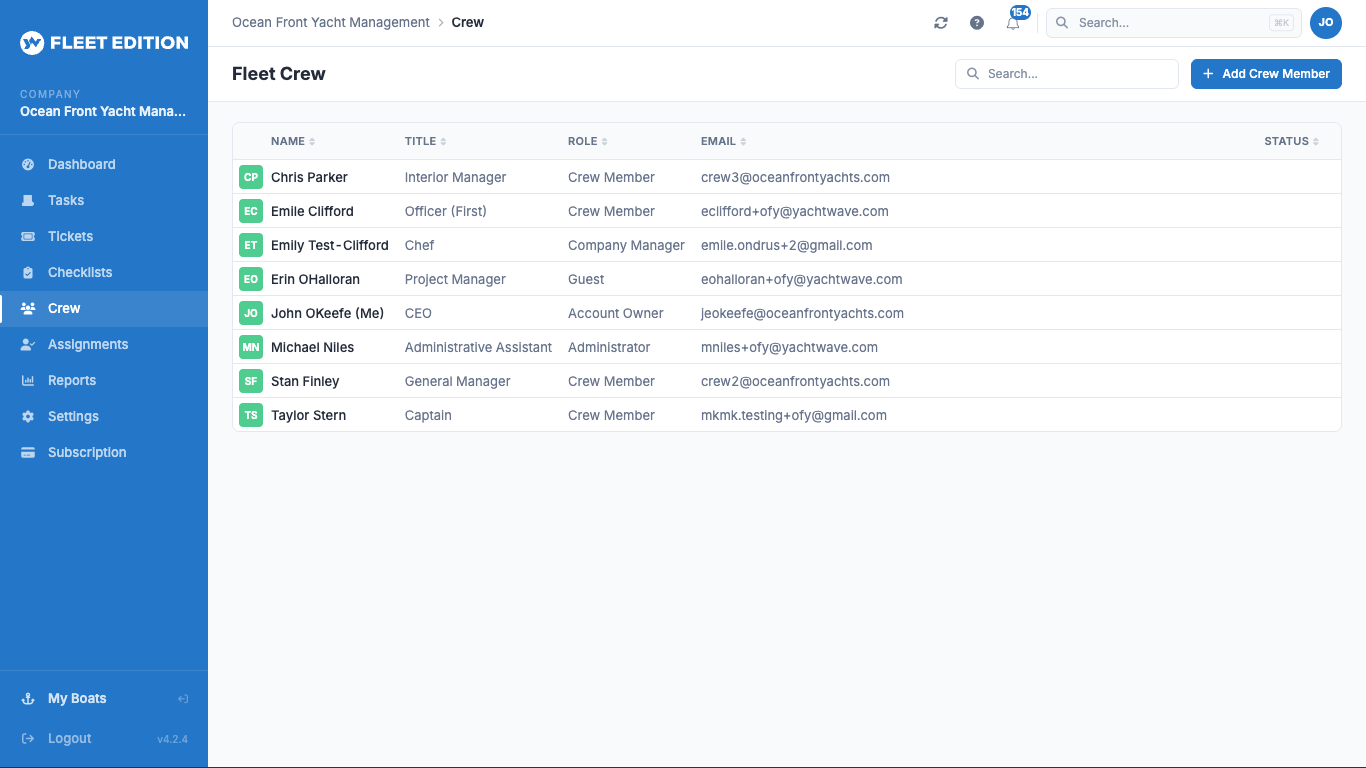
Fleet Crew Directory
One directory for the whole operation — each person's roles across every vessel, with certifications on file. One record per human being, not one per boat they have ever touched.
Set It Up Once, for Everybody
Fleet Edition Only
A season starts, half the crew changes, and six boats need staffing. That should be one afternoon's work in one screen — not a fortnight of inviting people to boats one at a time.
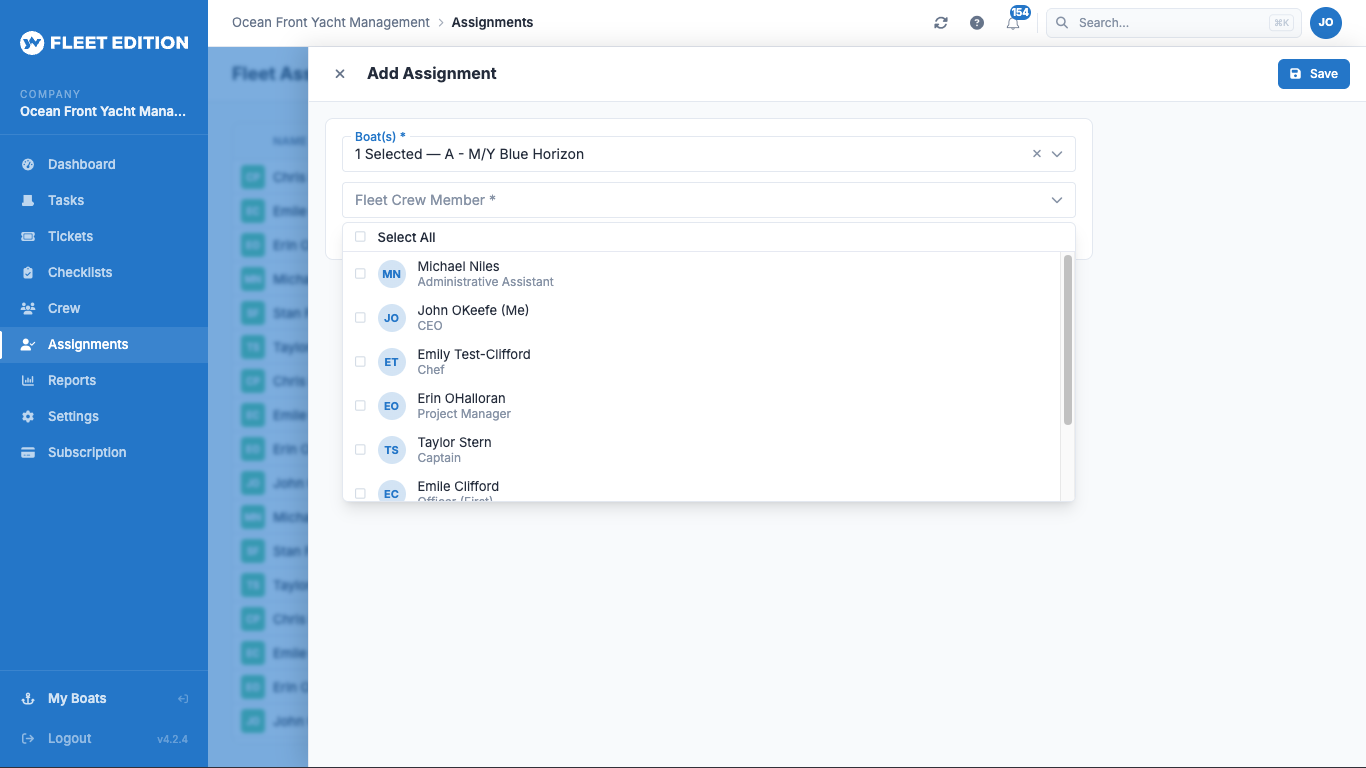
Bulk Crew–Vessel Assignments
Assign a whole crew to a whole fleet in one matrix — multi-vessel, multi-user, role by role. Staffing the season becomes a grid you fill in rather than dozens of separate invitations.
Feature Visibility by Role
A workflow and a security control in one: hide entire features by role, org-wide. Crew who shouldn't see expenses don't just lack permission — the button isn't even in their app, so nobody is tempted and nobody is confused by a screen that isn't their job.
One Person, One Record
A captain who covers three boats is one person in your directory, with three roles — not three accounts to keep in step. Their certifications are current everywhere at once, or expiring everywhere at once, which is the point.
The Right Person, at the Right Step
Ultimate Edition
A workflow is only as good as its handoffs. Work that sits waiting on somebody who never knew it was theirs is the most common way a well-designed process quietly fails.
Role-Based Notification Routing
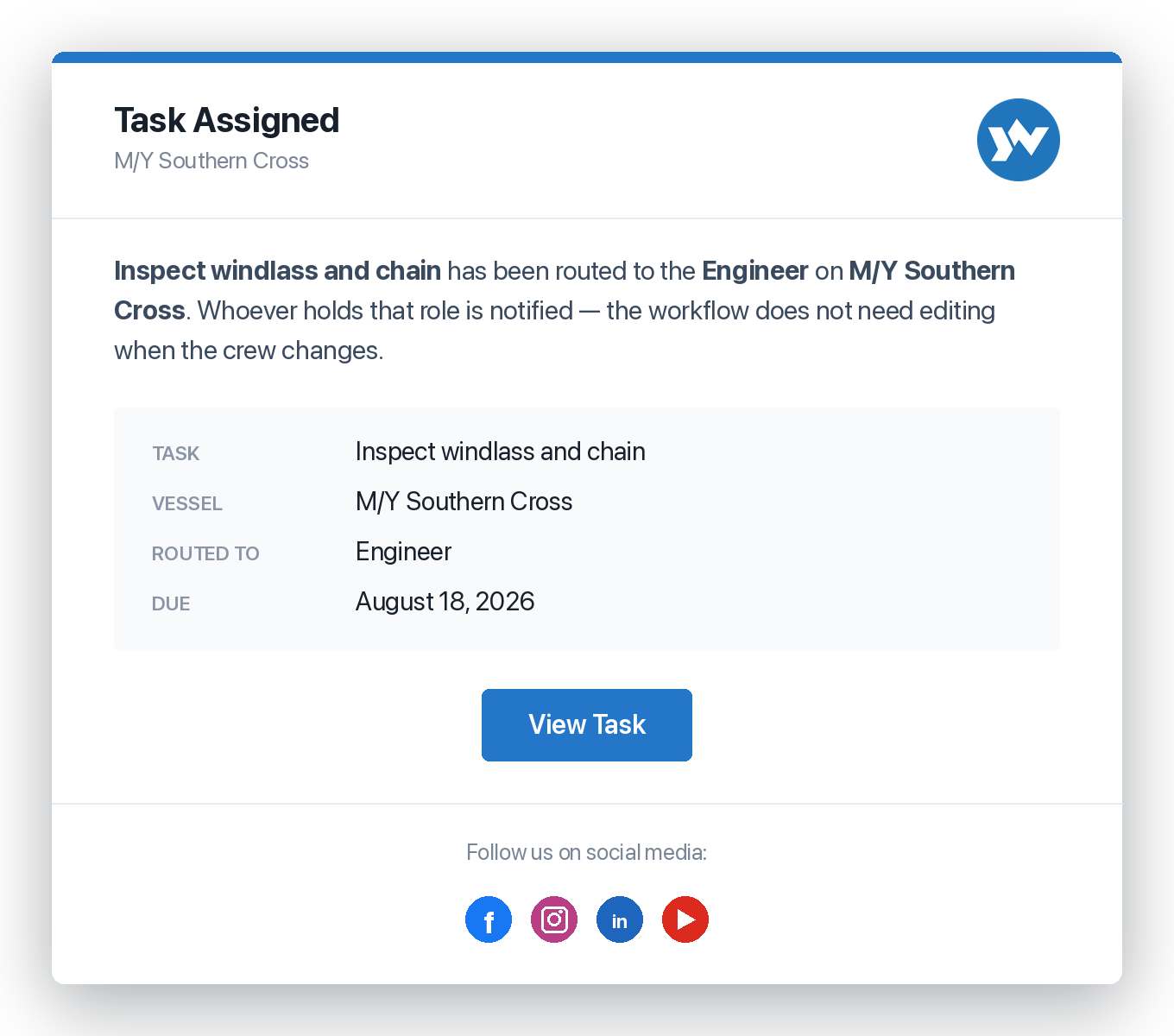
The backbone of a properly instituted workflow: organizations route notifications by role, so the right person is alerted at the right step — and nothing stalls waiting on someone who never got the message. You describe the process once, in terms of roles, and it keeps working when the people in those roles change.
It Survives the Crew Change
Route to the engineer rather than to a named person and the workflow does not need editing when the engineer is someone new. The process belongs to the operation, not to whoever happened to be aboard when it was written.
Every Channel the Crew Actually Uses
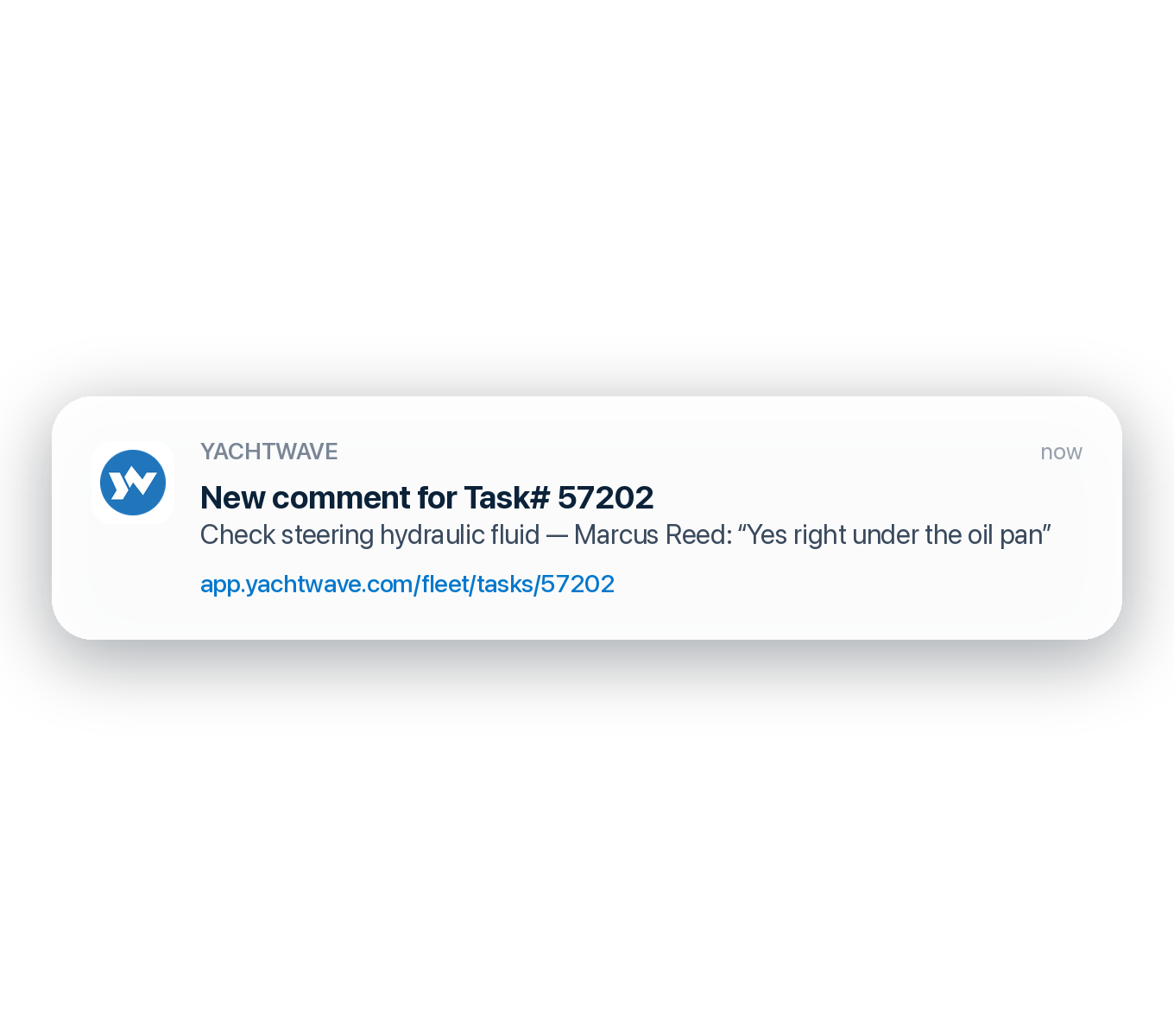
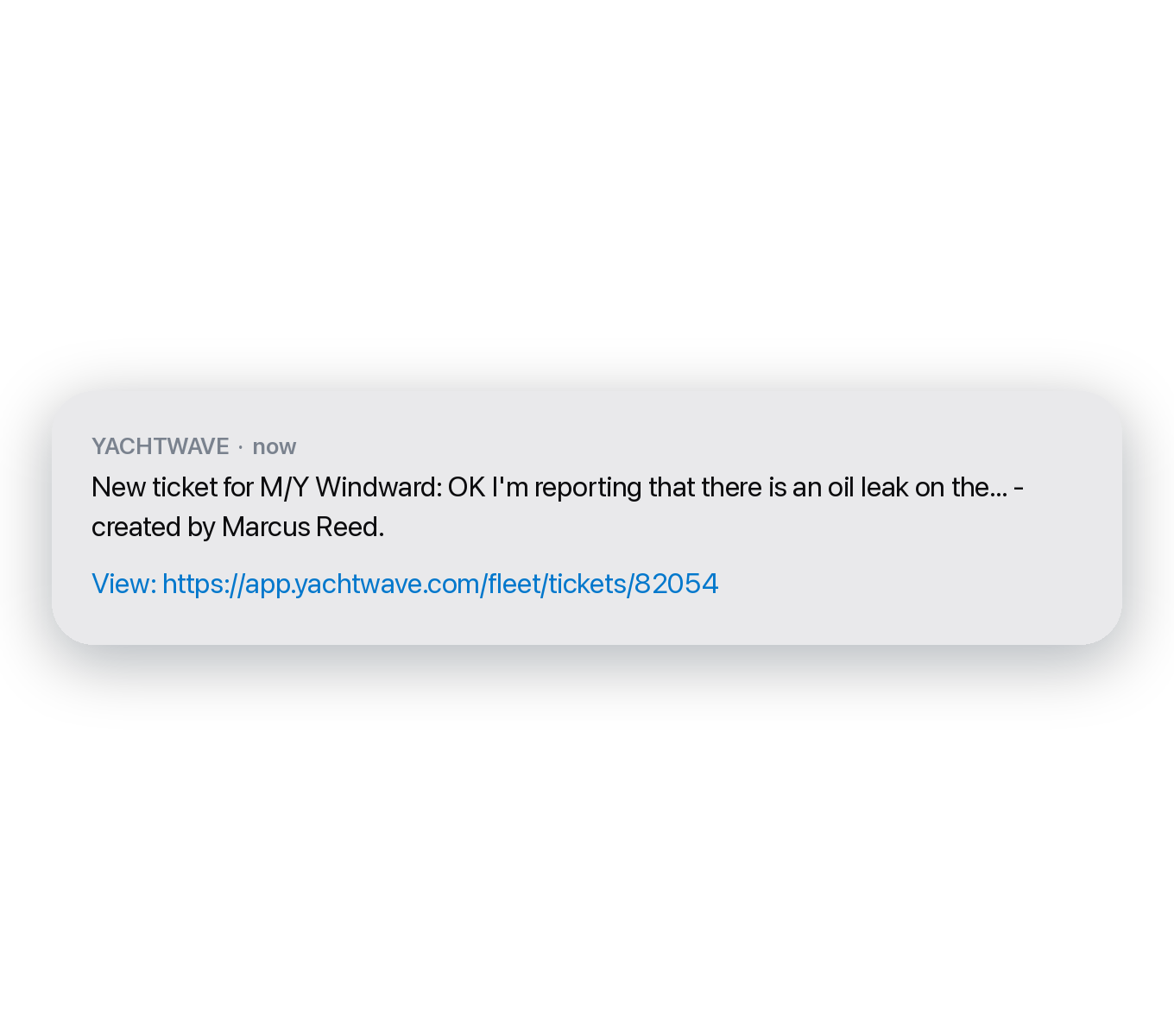
Text, push, email, and in-app — because a deckhand on a dock and a manager at a desk do not check the same things. The work moves without anyone having to remember to go looking for it.
Crew members, vessel roles, email invitations, and crew documents are included in every YACHTWAVE® edition — up to 5 crew on Personal, unlimited on Pro and Ultimate. The fleet workspace — dashboard, global search, crew directory, bulk assignments, and feature visibility by role — is Fleet Edition only. Role-based notification routing is part of the Ultimate Edition.
Compare Every Feature, Edition by Edition →
Make the Boat the Place the Knowledge Lives
Invited once, recorded as the work happens, and still there when the crew changes — roles, credentials, and history that belong to the operation rather than to whoever is aboard this season.
CONTACT US